nerdymark Demoscene Screensaver
A native macOS screensaver bundling 58 generative scenes — plasma fields, cellular automata, demoscene effects, fractals, particle systems, agent simulations, optical illusions, and auto-playing classic games. All scenes are pure Swift + Core Graphics.
Universal binary (Apple Silicon + Intel), Developer ID signed, notarized by Apple. macOS 12 Monterey or later.
Installing
- Open the downloaded
.dmg - Double-click
NerdymarkScreenSaver.saver - System Settings opens → click Install
- System Settings → Screen Saver → pick NerdymarkScreenSaver (it is listed under the filename, not "Demoscene"; on macOS 26 Tahoe it is under Wallpaper → Screen Saver…)
- Click Options… to choose a specific scene or set "Random" rotation, and tune each scene's individual parameters
Troubleshooting: "I installed it and nothing happens"
Nearly every report like this is a macOS settings quirk, not a broken install. Work down this list:
- macOS 26 Tahoe moved the Screen Saver pane. It is no longer a top-level item. Open System Settings → Wallpaper and click the Screen Saver… button there. Pick NerdymarkScreenSaver under the third-party section. It is listed by its filename, so the word "Demoscene" does not appear anywhere in System Settings.
- The preview inside System Settings is unreliable for third-party screen savers on Sonoma, Sequoia and Tahoe. It often stays black or keeps showing the previous screen saver. Clicking the tile still selects it. The real test is to trigger the screen saver (next step).
- Trigger it directly with a hot corner. System Settings → Desktop & Dock → Hot Corners…, set a corner to "Start Screen Saver", then push the mouse into that corner. If the scenes play, everything is installed correctly.
- Check the idle timers. System Settings → Lock Screen → "Start Screen Saver when inactive" must not be "Never", and it must be shorter than "Turn display off when inactive". If the display sleeps first, no screen saver ever appears.
- "Options…" does nothing? Known Tahoe bug. Quit System Settings (⌘Q), reopen it, and try again.
- Not in the list at all? Quit and reopen System Settings. If it is still missing, log out and back in, then check that
NerdymarkScreenSaver.saveris in~/Library/Screen Savers/. Double-click it from the DMG again if not. - macOS 10.15 or older is not supported. The bundle needs macOS 12 Monterey or later.
Still stuck? Send me your macOS version (Apple menu → About This Mac), your Mac model, and which step above failed.
What's in the bundle
58 scenes across these families:
- Plasma family — classic, spiral, diamond, ripple variants
- Demoscene — copper bars, raster bars, sine scroller, glenz vectors, Mode 7 floor, rotozoomer, vector balls, hypercube, tunnel, C64 demo composite
- Cellular & generative — Game of Life, Reaction-Diffusion (Gray-Scott), Voronoi cells, Truchet tiles, Mandelbrot zoom, recursive maze, DLA snowflake
- Particle / agent sims — flocking fish, bug swarm, slime mold (Physarum), vector field flow, falling sand, blizzard, bubbles, lava lamp with bulb glow
- Optical illusions — Scintillating Grid, Simultaneous Contrast, Afterimage
- Throwbacks — Win95-style 3D Pipes, bouncing DVD logo, screensaver Snake (A* pathfinding), Tetris auto-play, search light, lens flare, Rubik's cube
- Auto-playing games — Pong AI vs AI, Tron light cycles
- Eye candy — Synthwave grid, Aurora Borealis, fractal trees, parallax mountains, constellation maker, ripple tank, Celtic braid, flag wave (Pride / Trans / USA / Palestine / Ukraine)
Several scenes (Bouncing Logo, Sine Scroller, C64 Demoscene, Search Light) accept your own custom text via Options.
Scene Previews
Click any thumbnail to view full-size. 46 of 58 scenes shown.
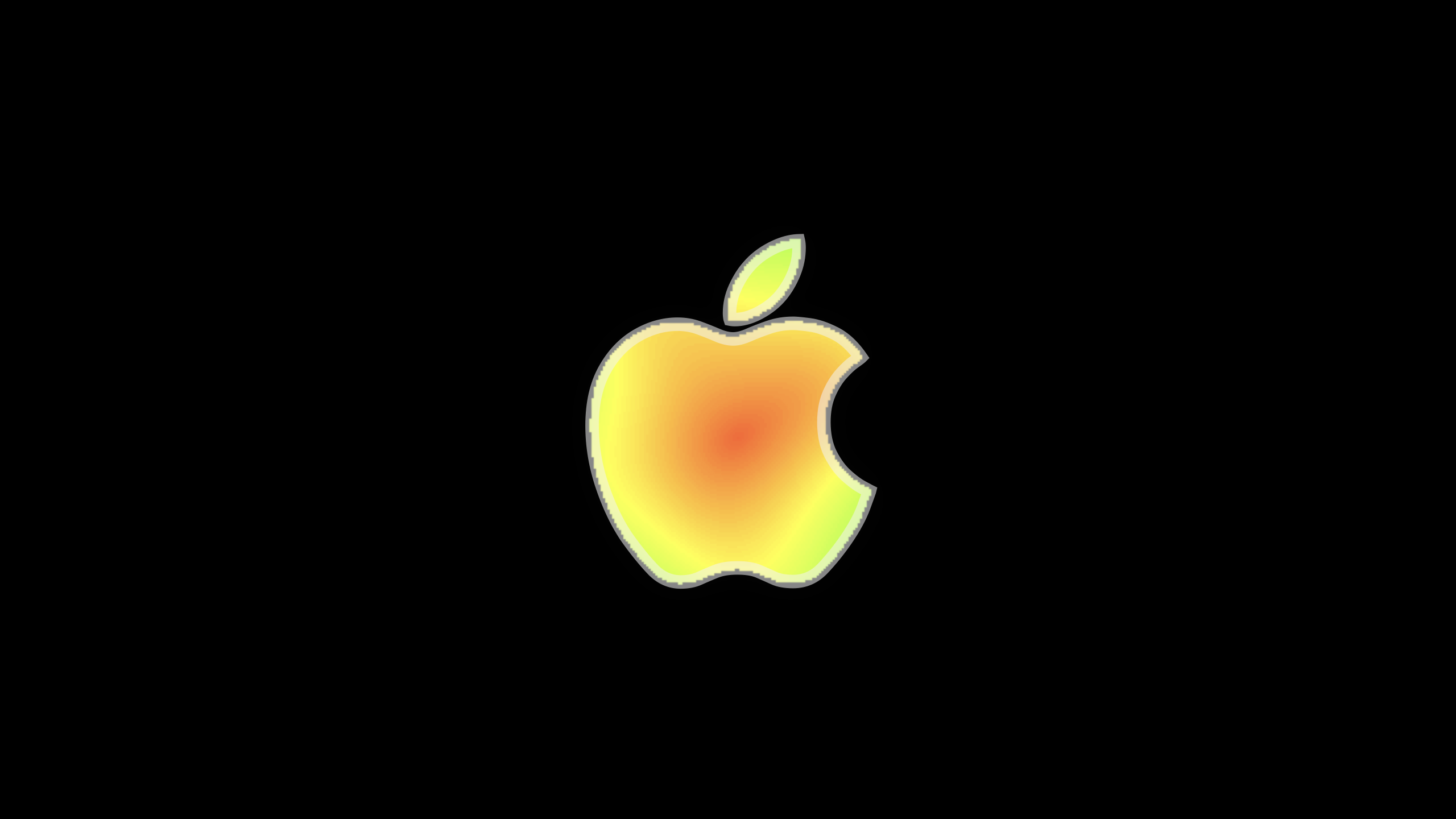 Apple Event
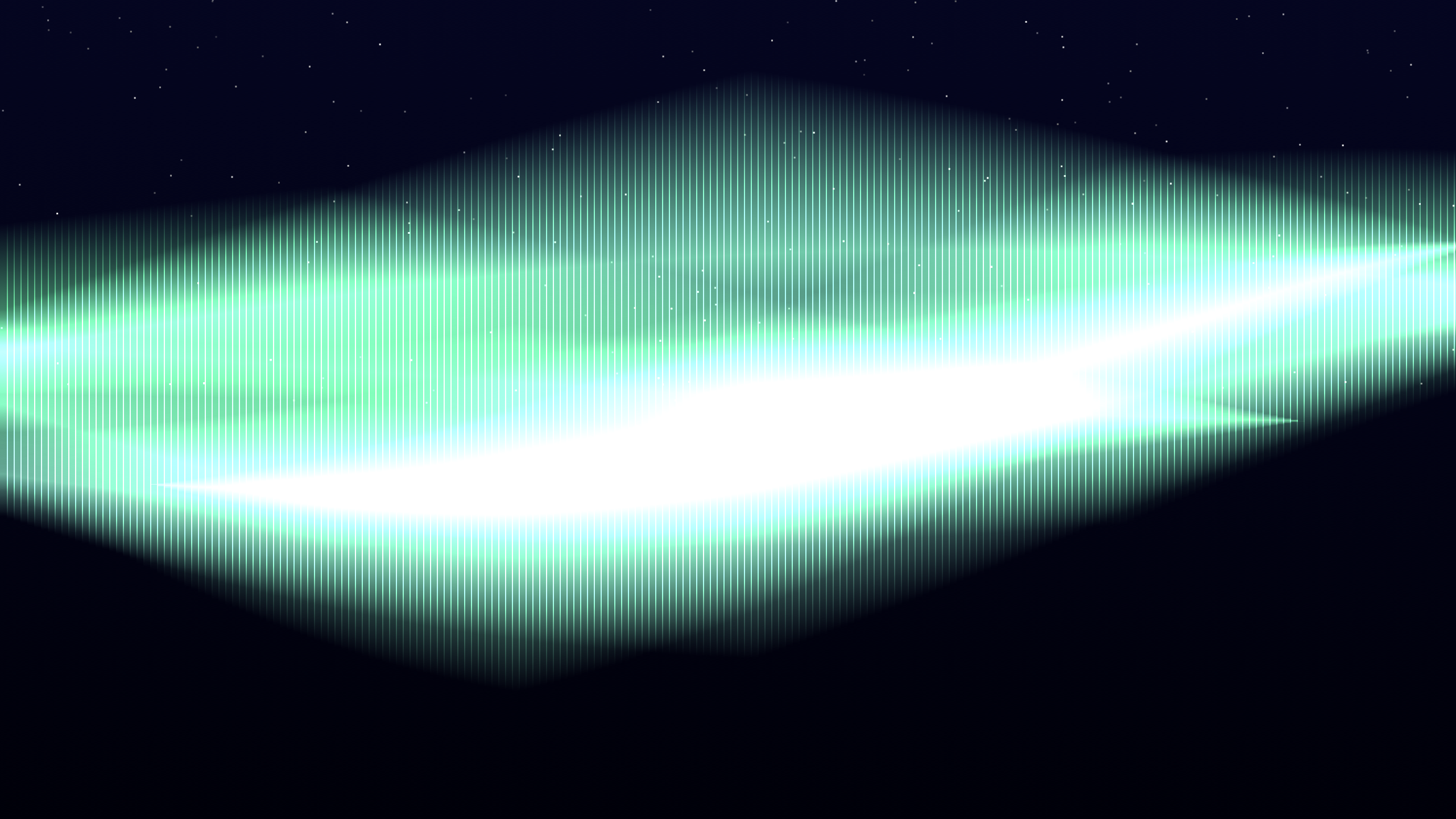 Aurora Borealis
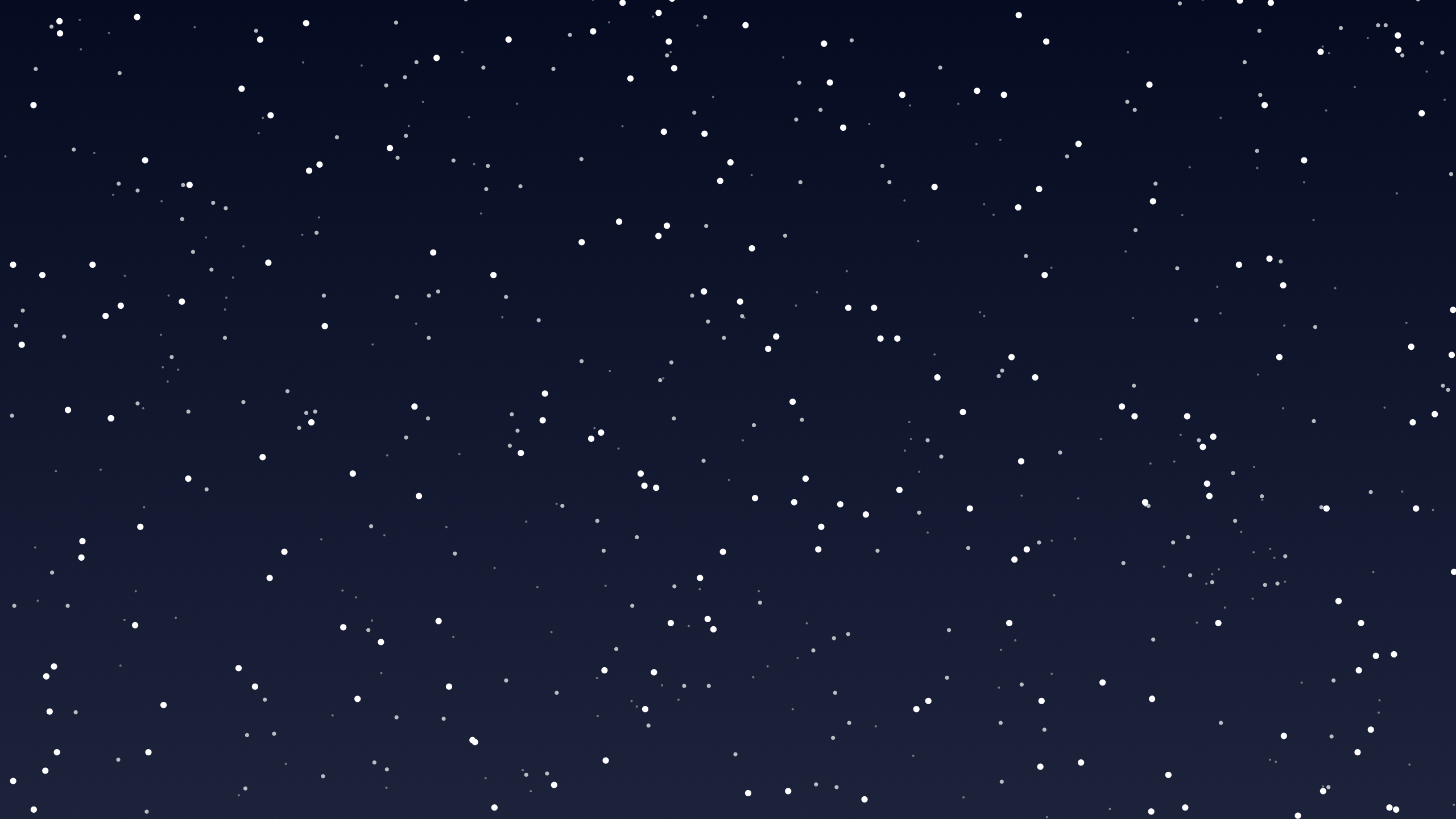 Blizzard
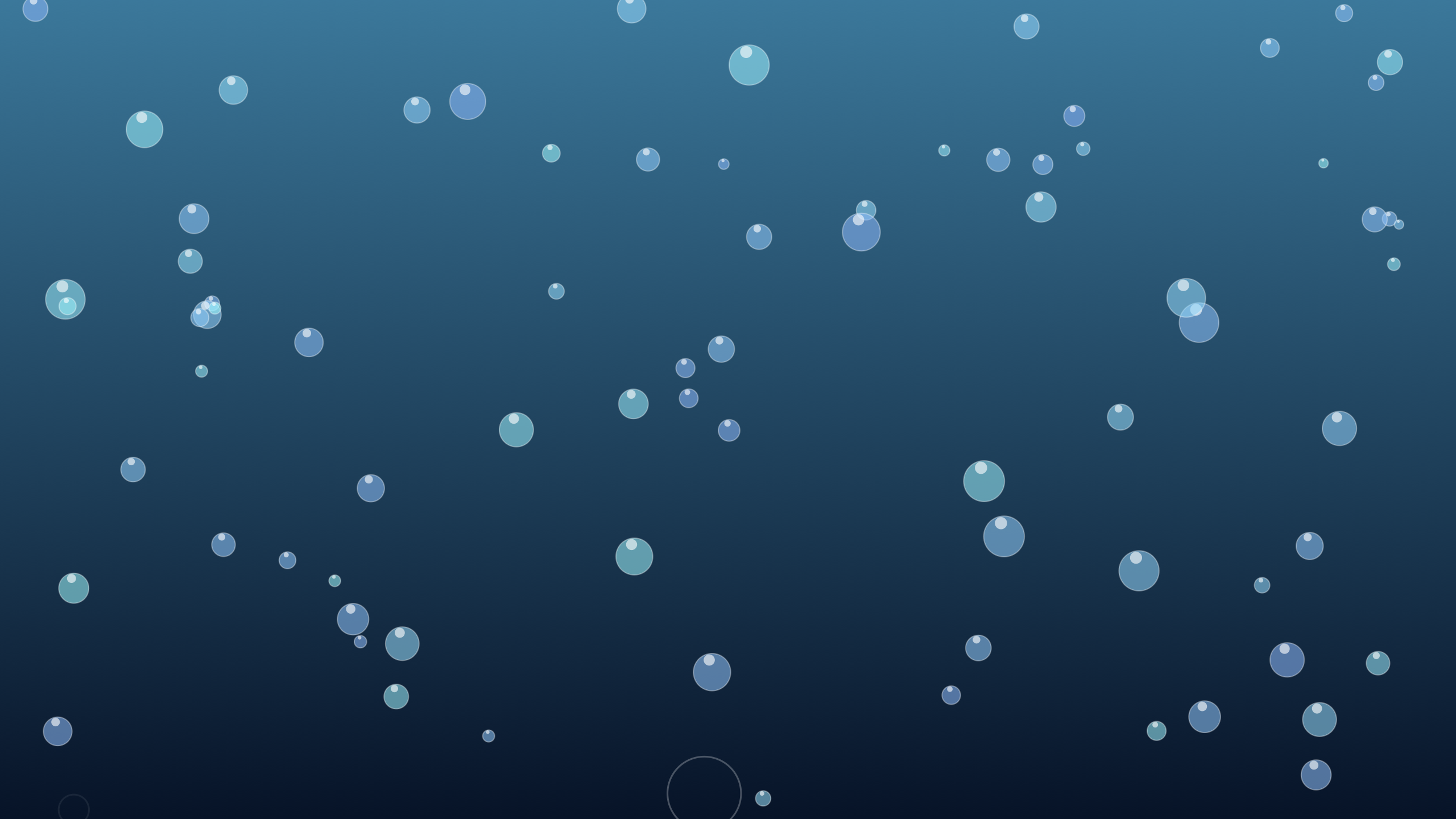 Bubbles
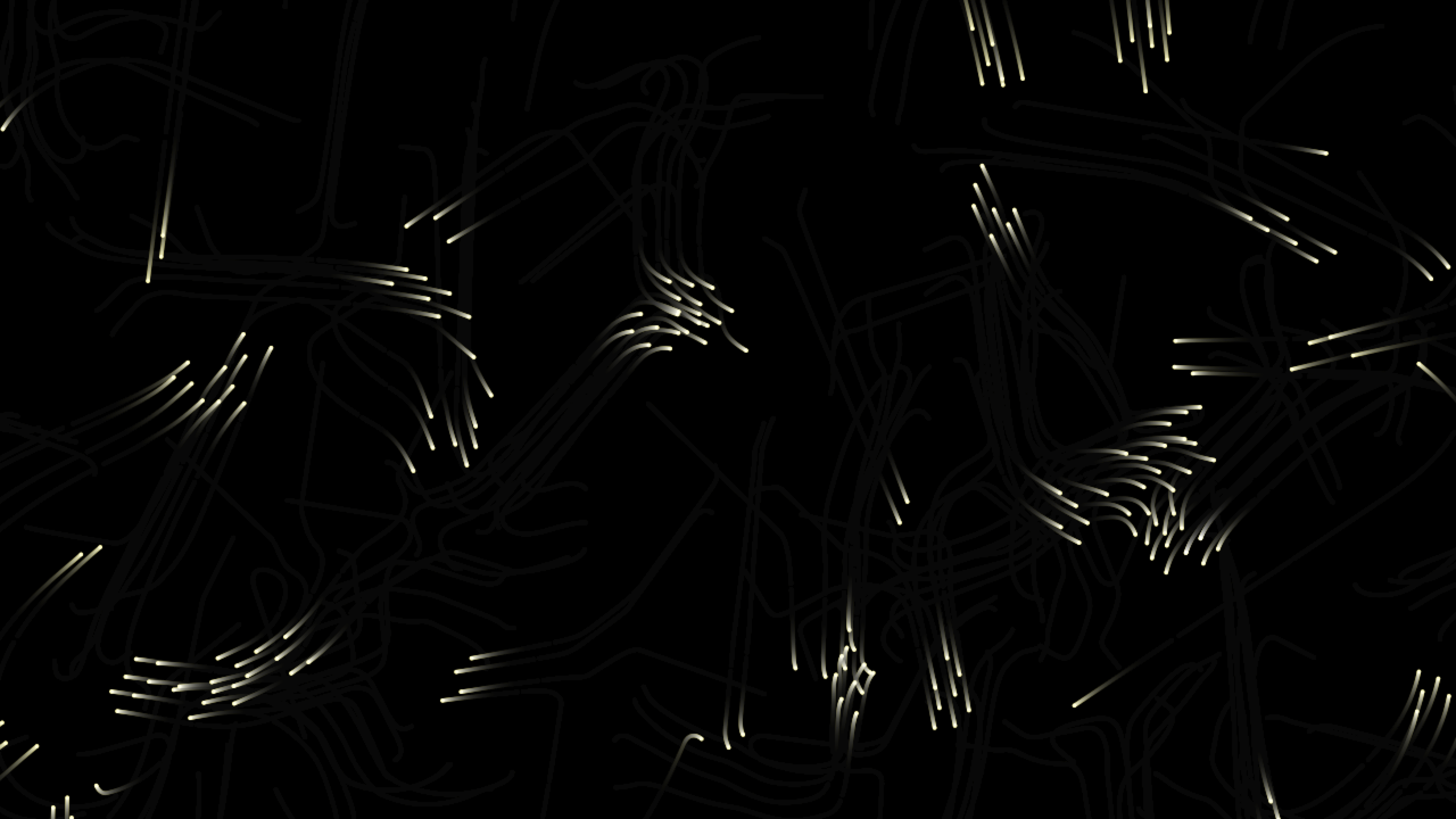 Bug Swarm
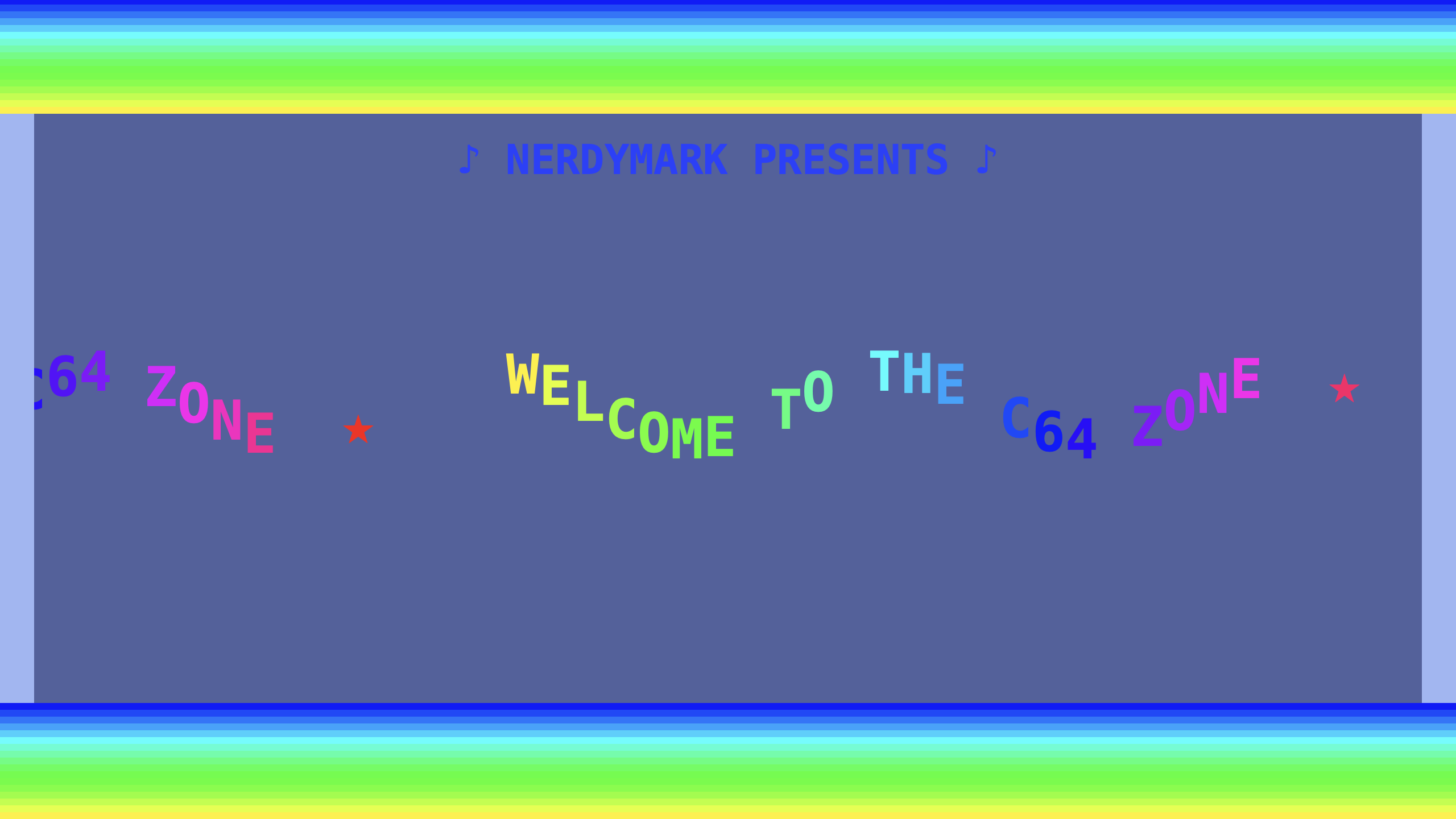 C64 Demoscene
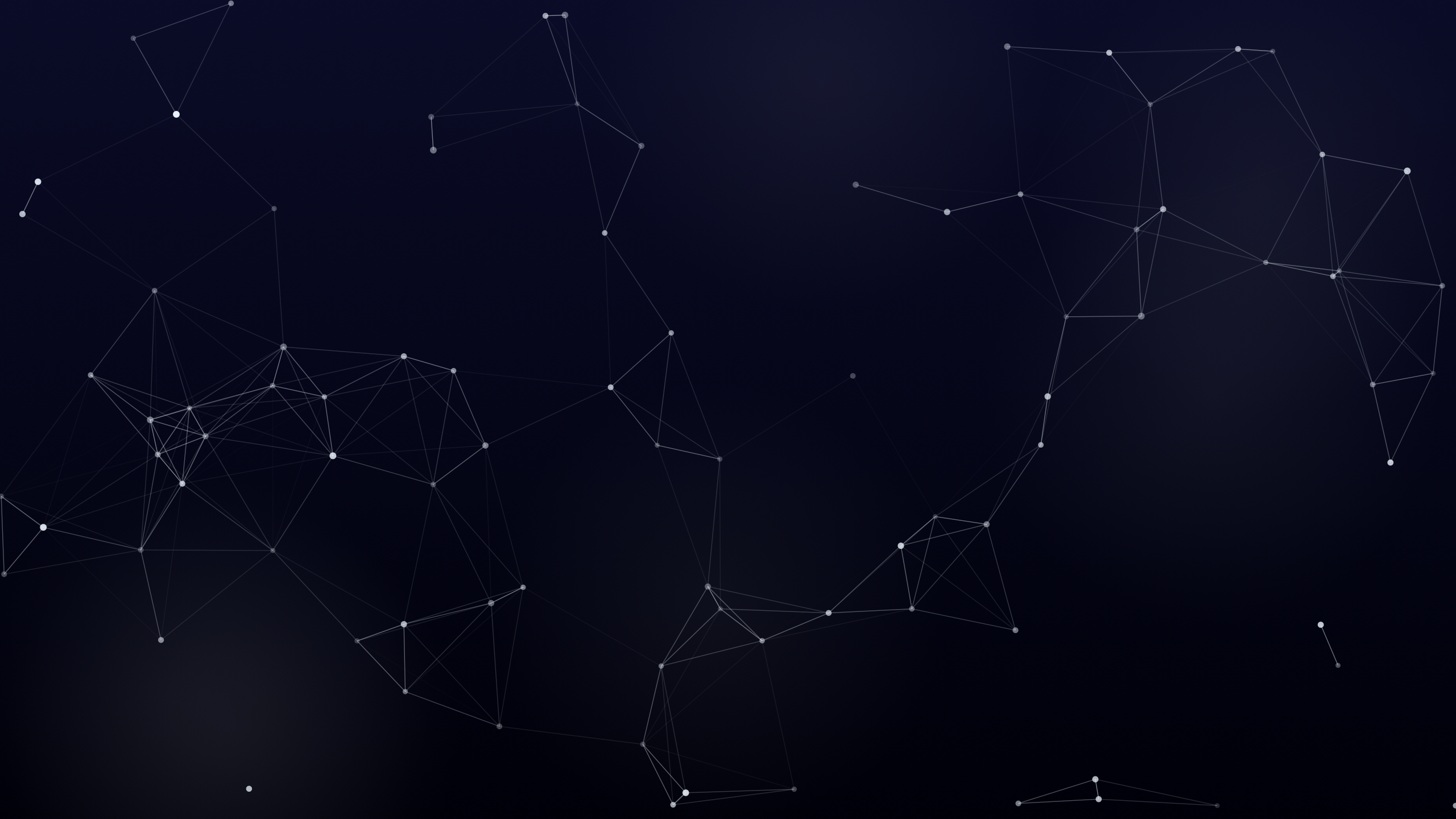 Constellation Maker
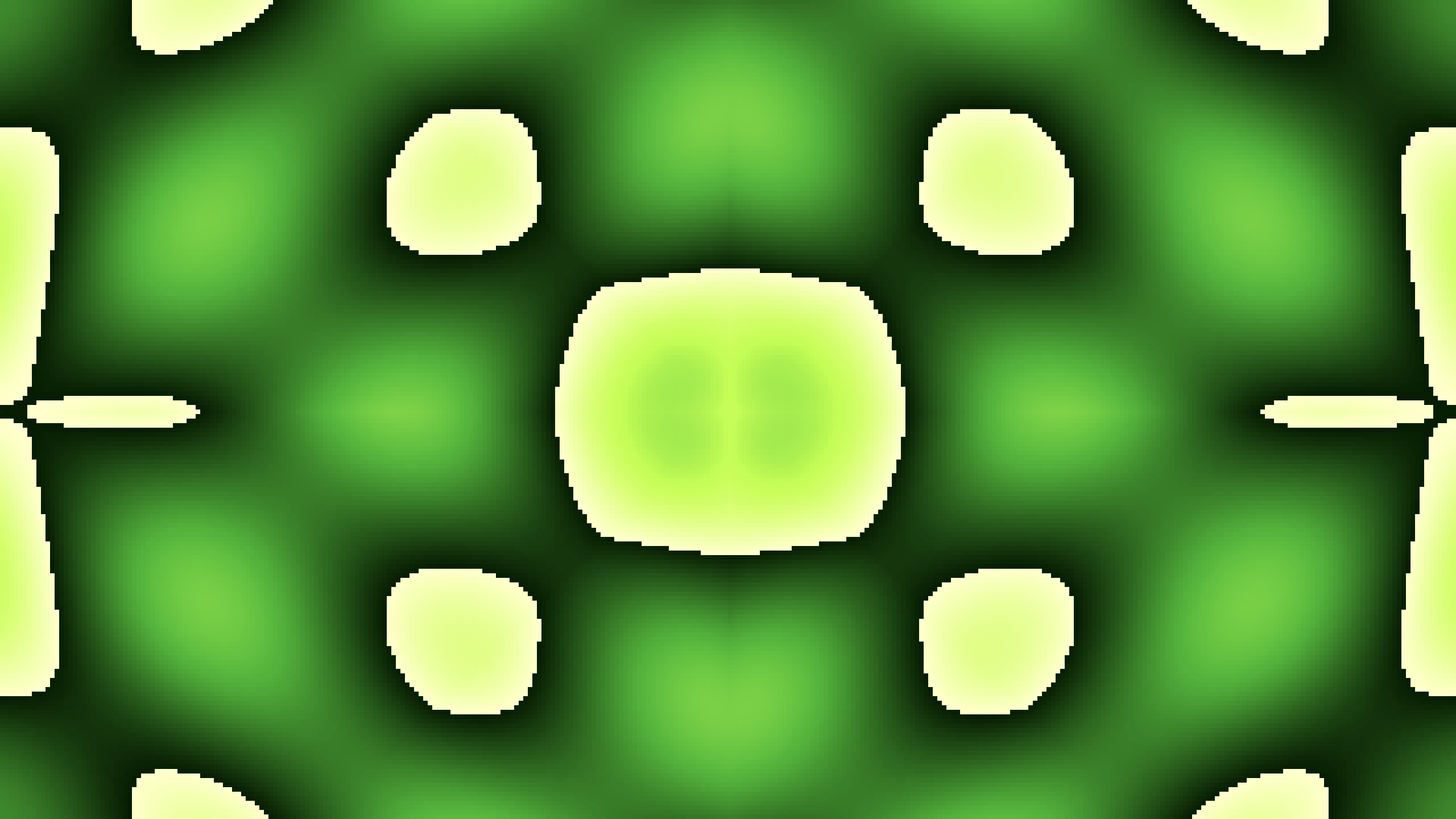 Diamond Plasma
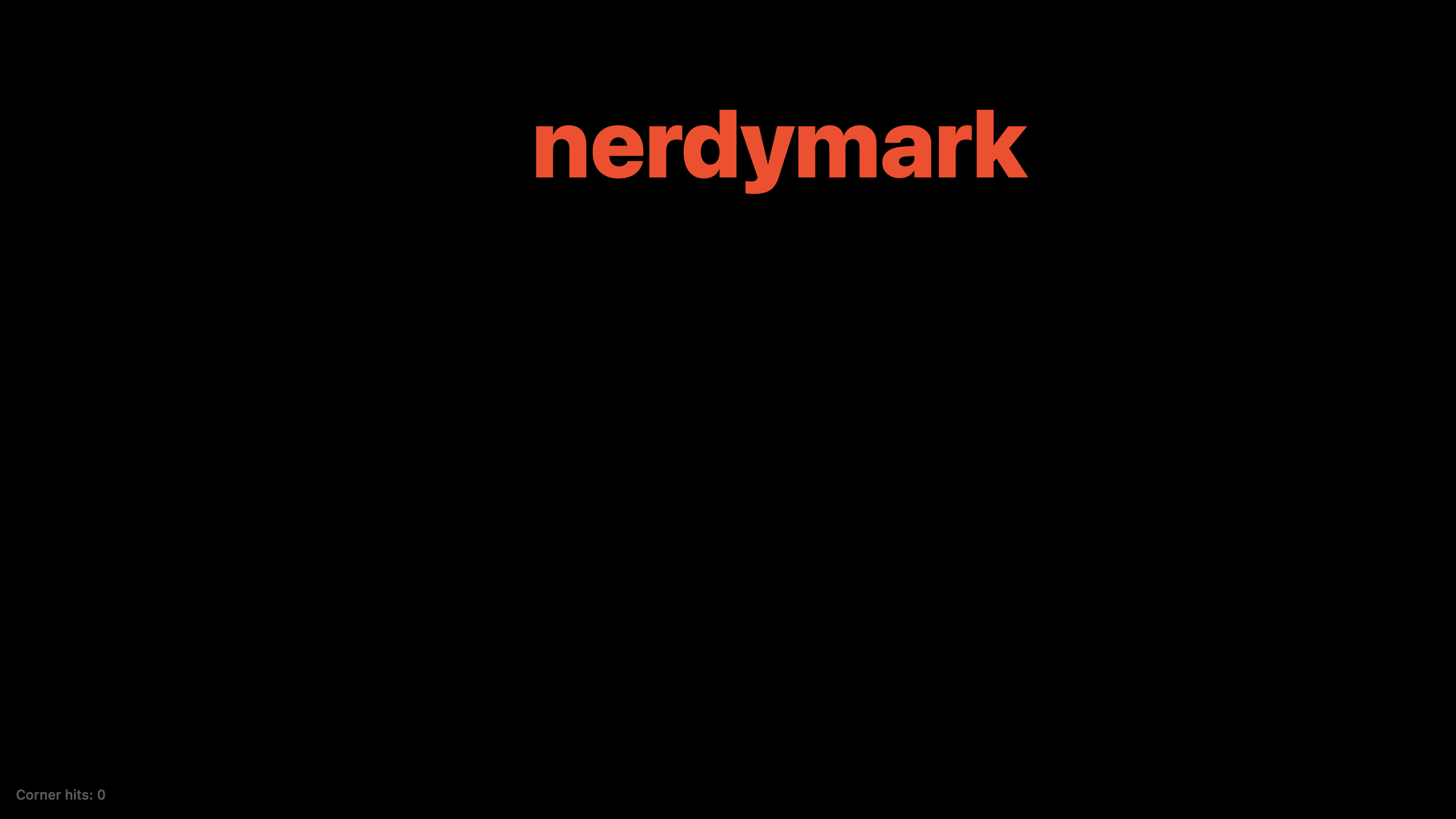 Dvd
Dvd
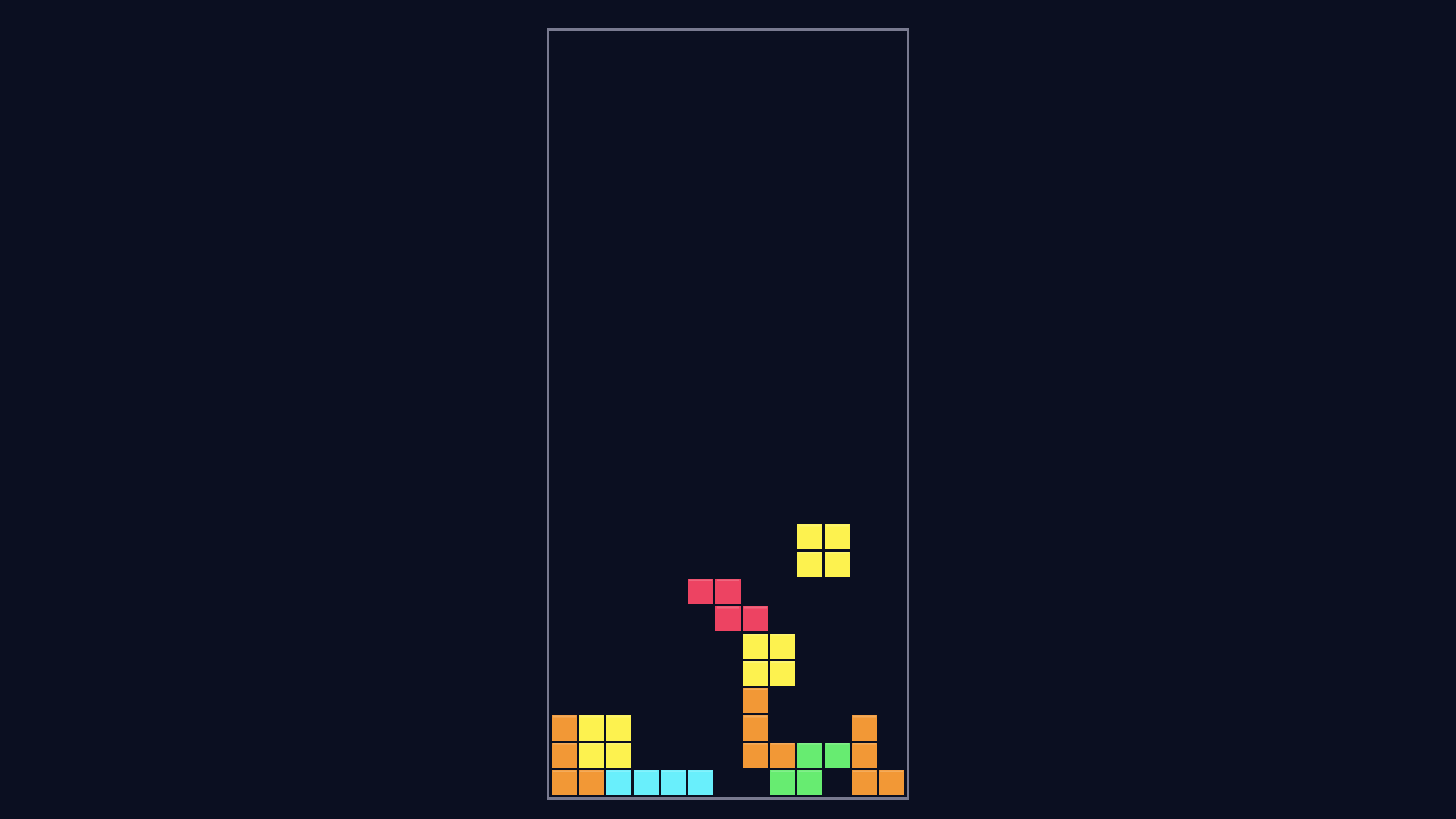 Falling Blocks
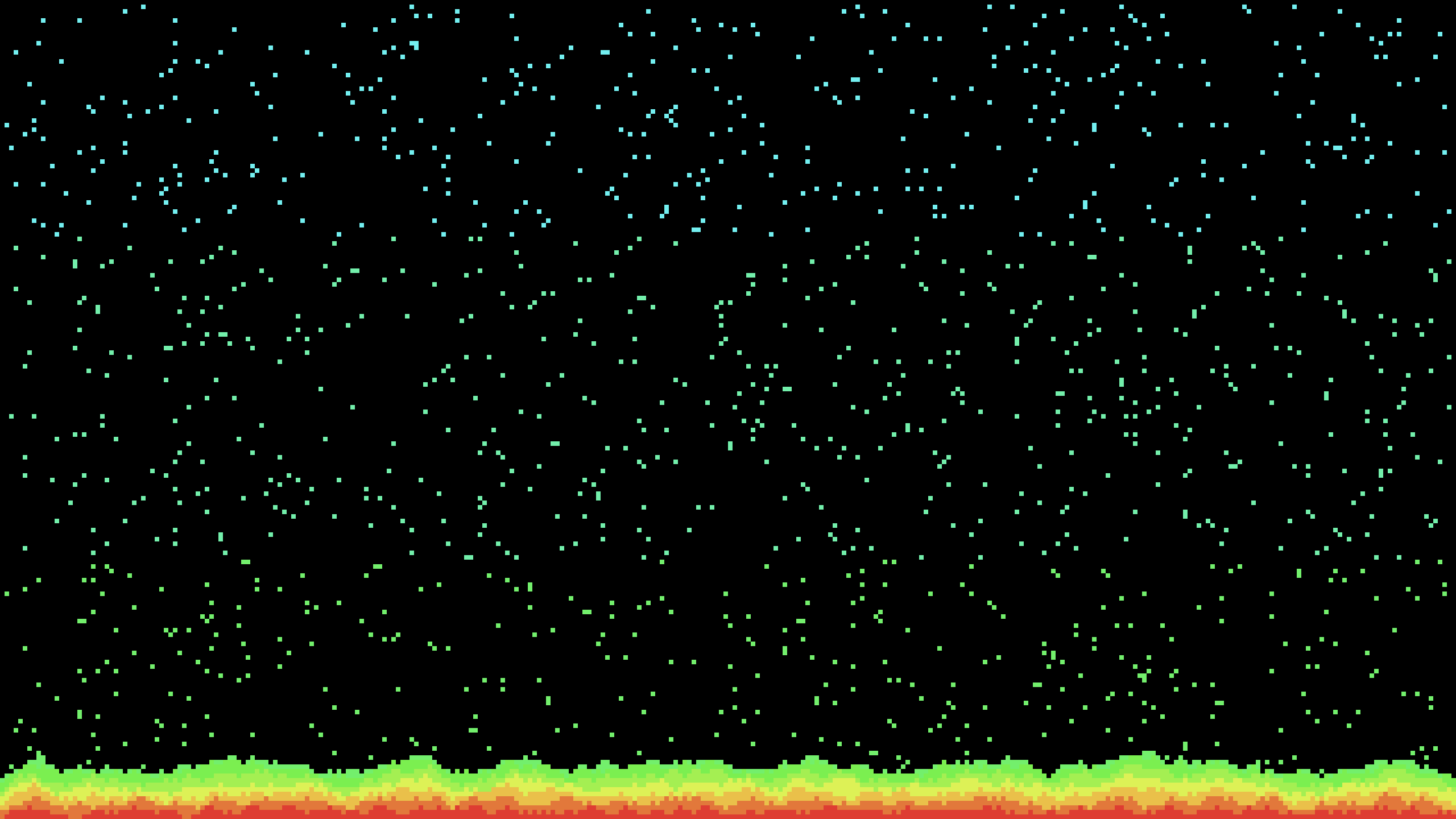 Falling Sand
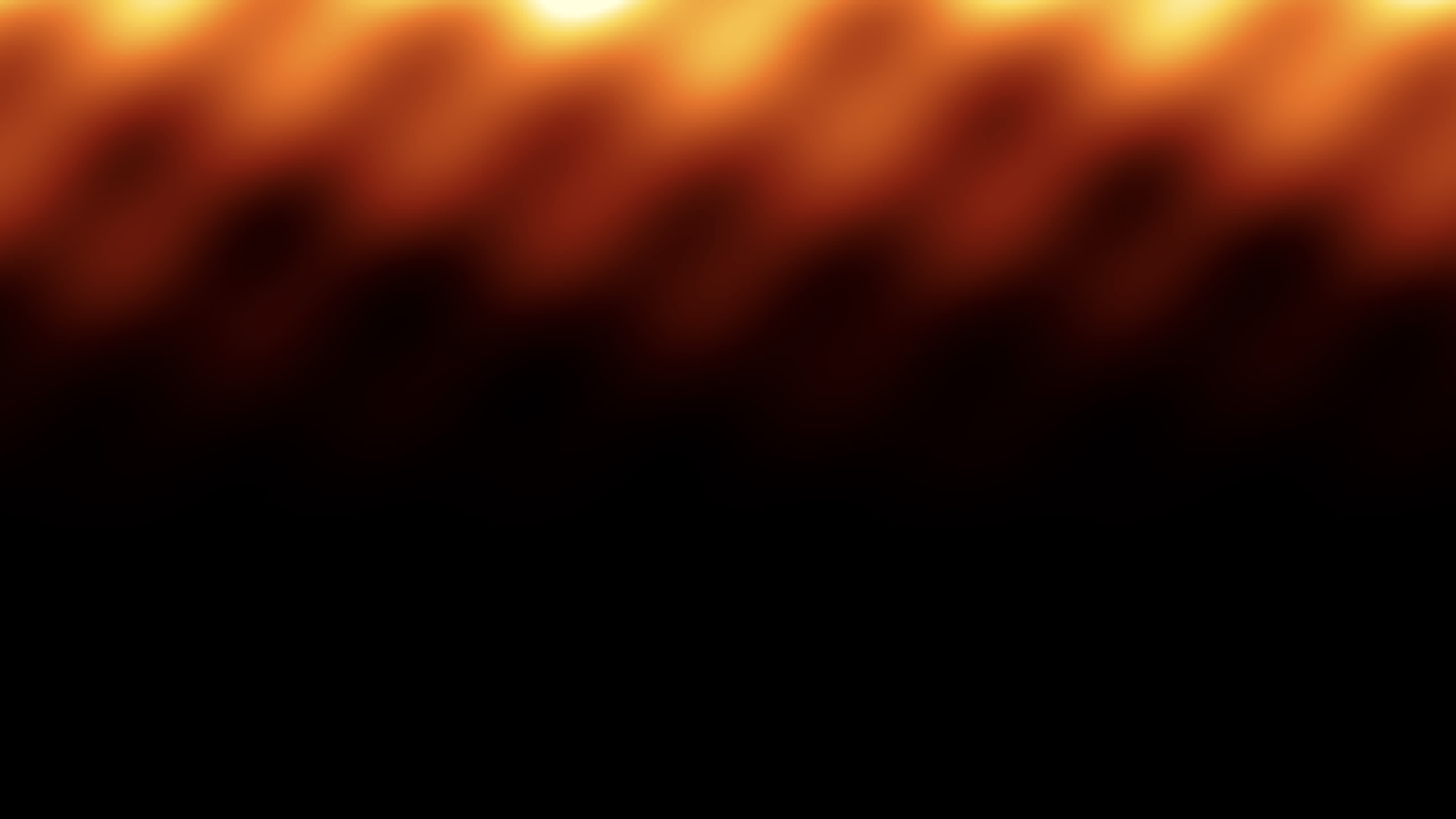 Fire
Fire
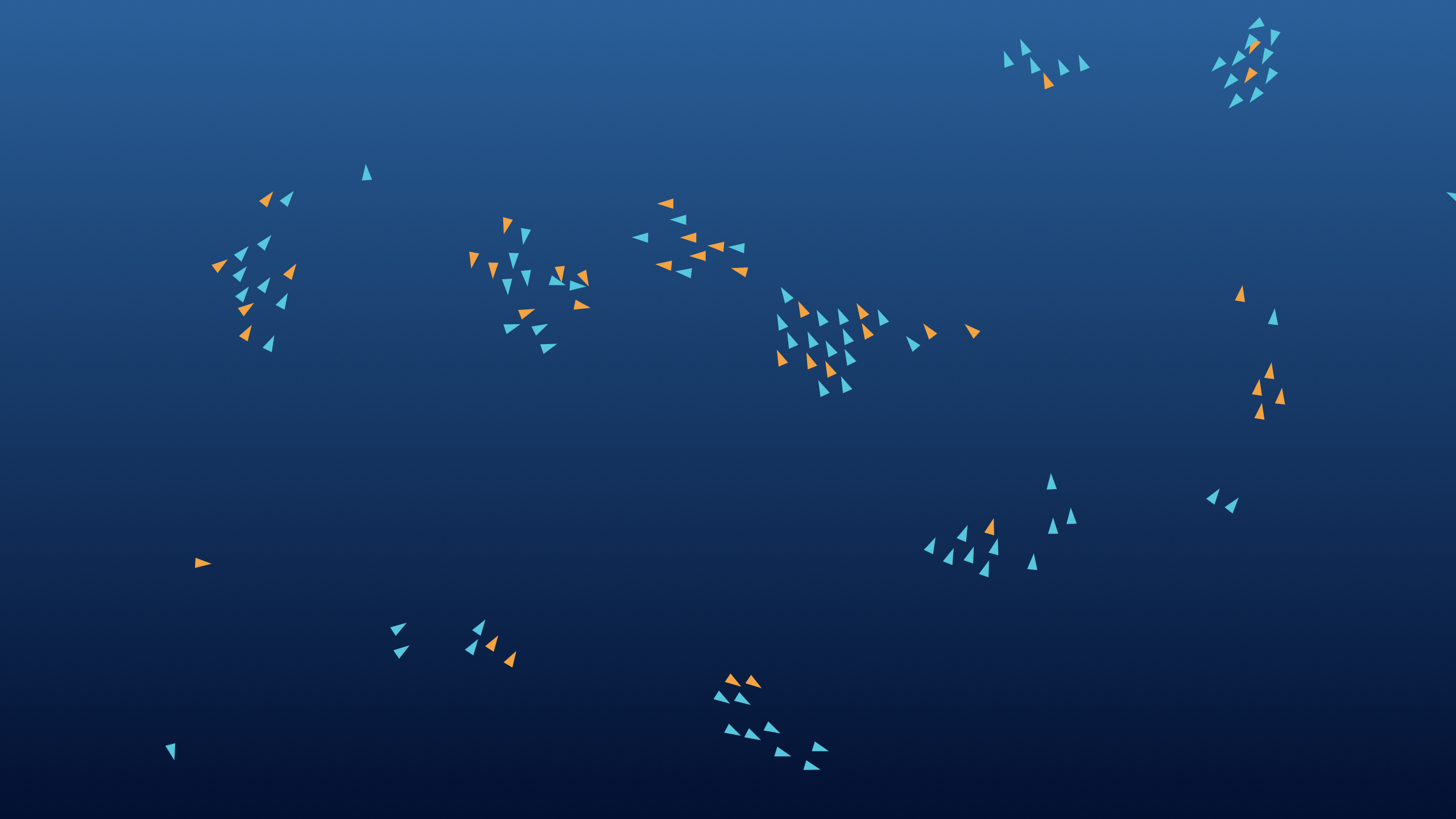 Fish Schooling
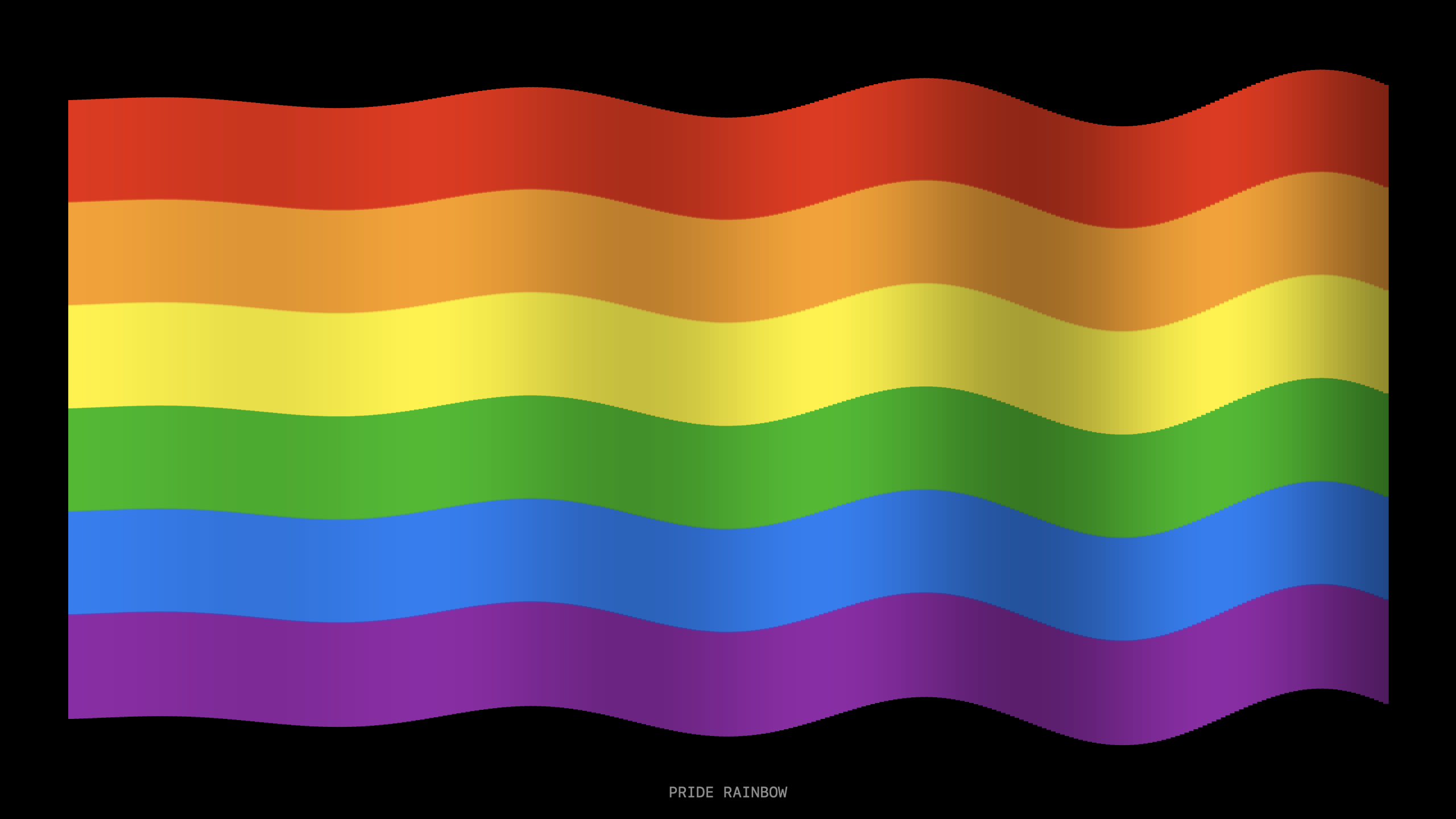 Flag Wave
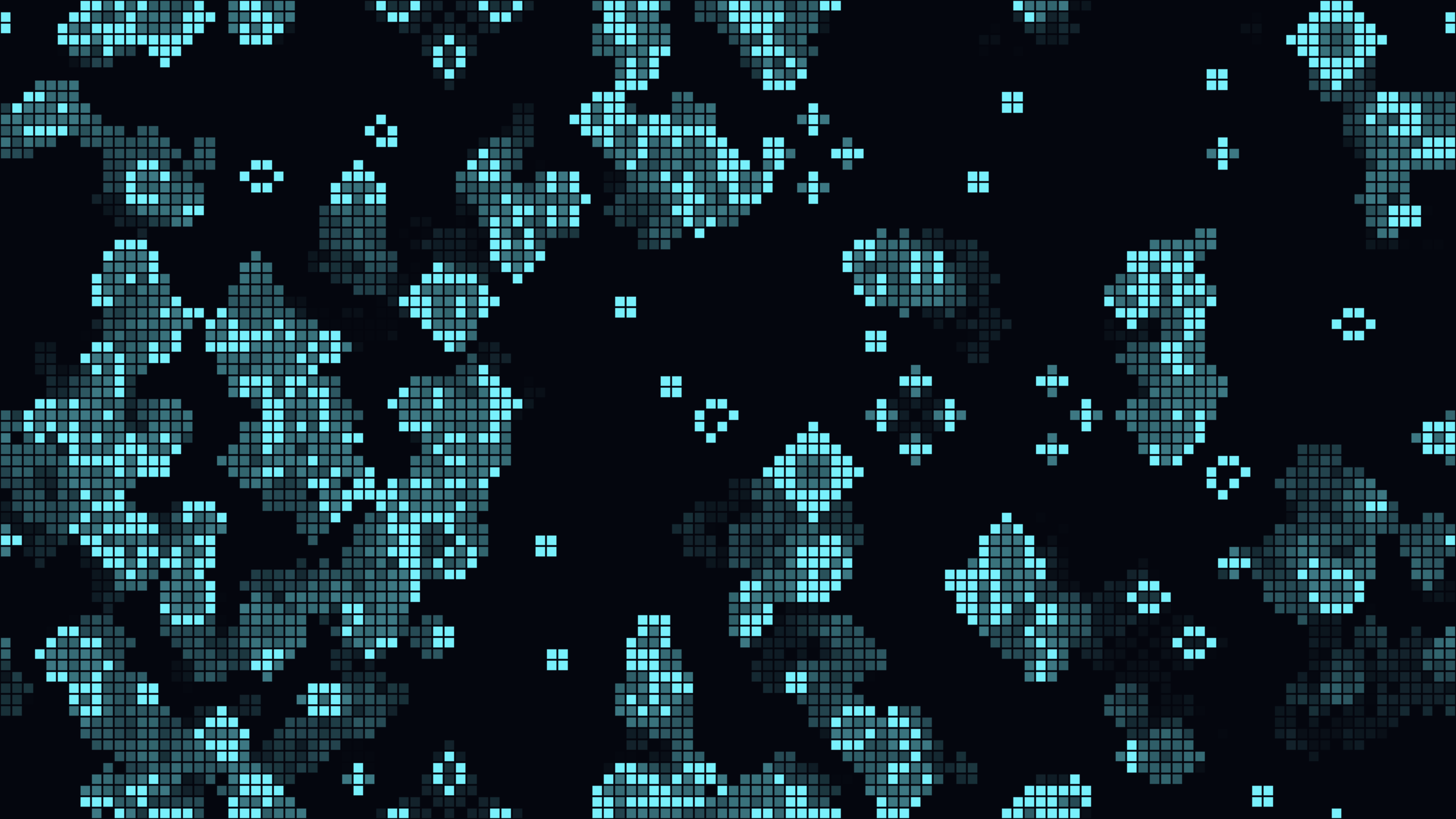 Game Of Life
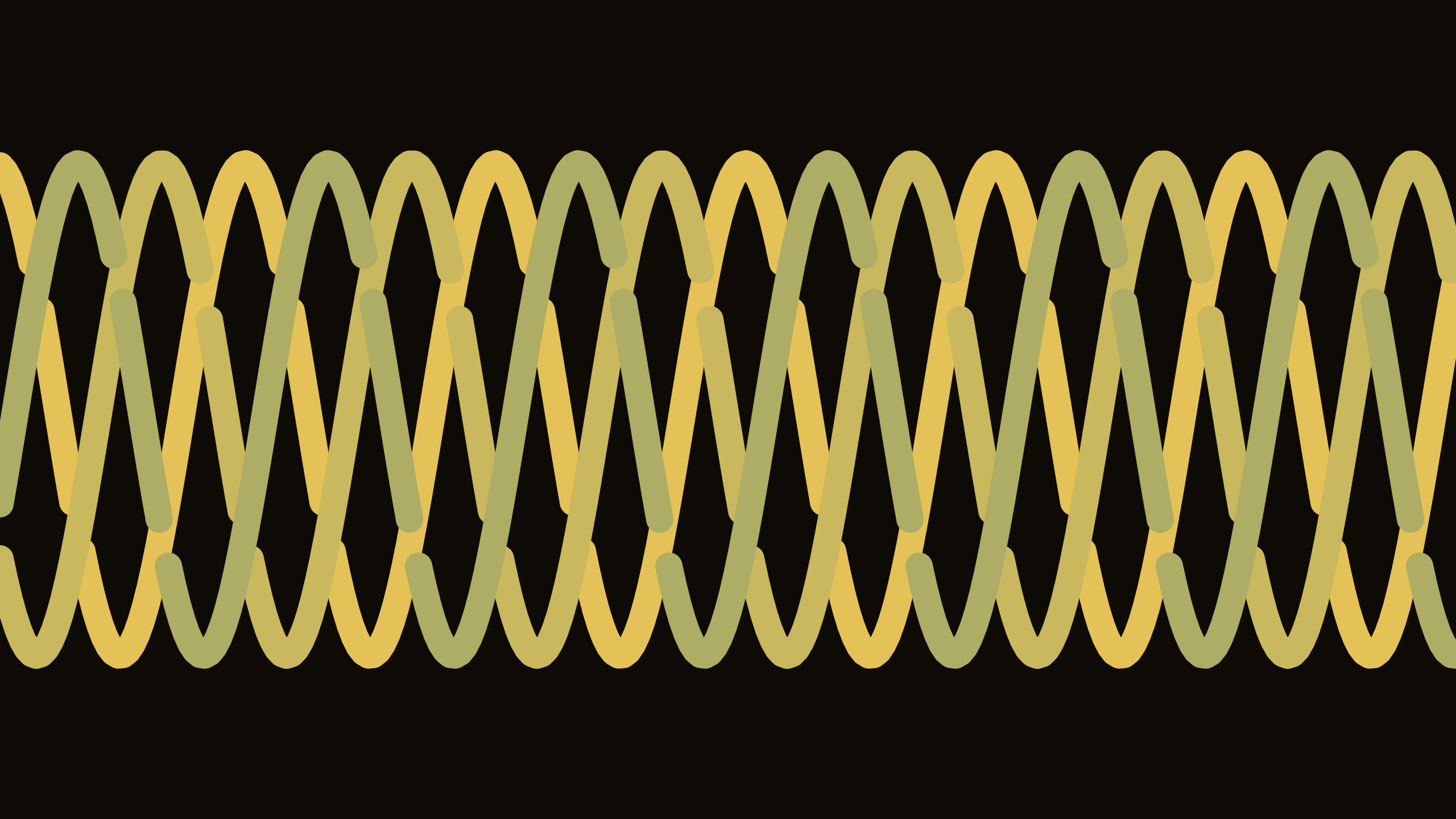 Knot Weave
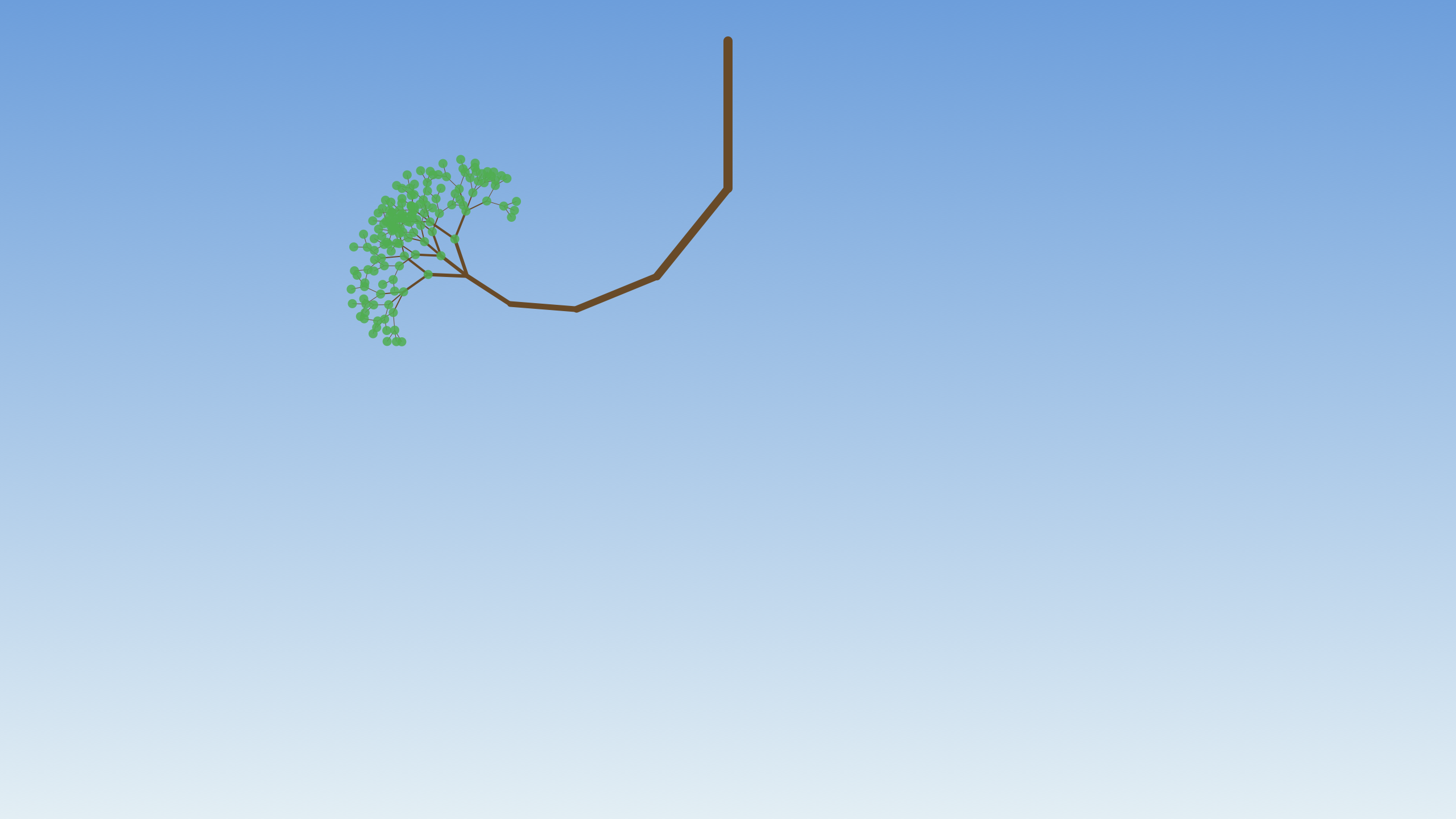 L System Tree
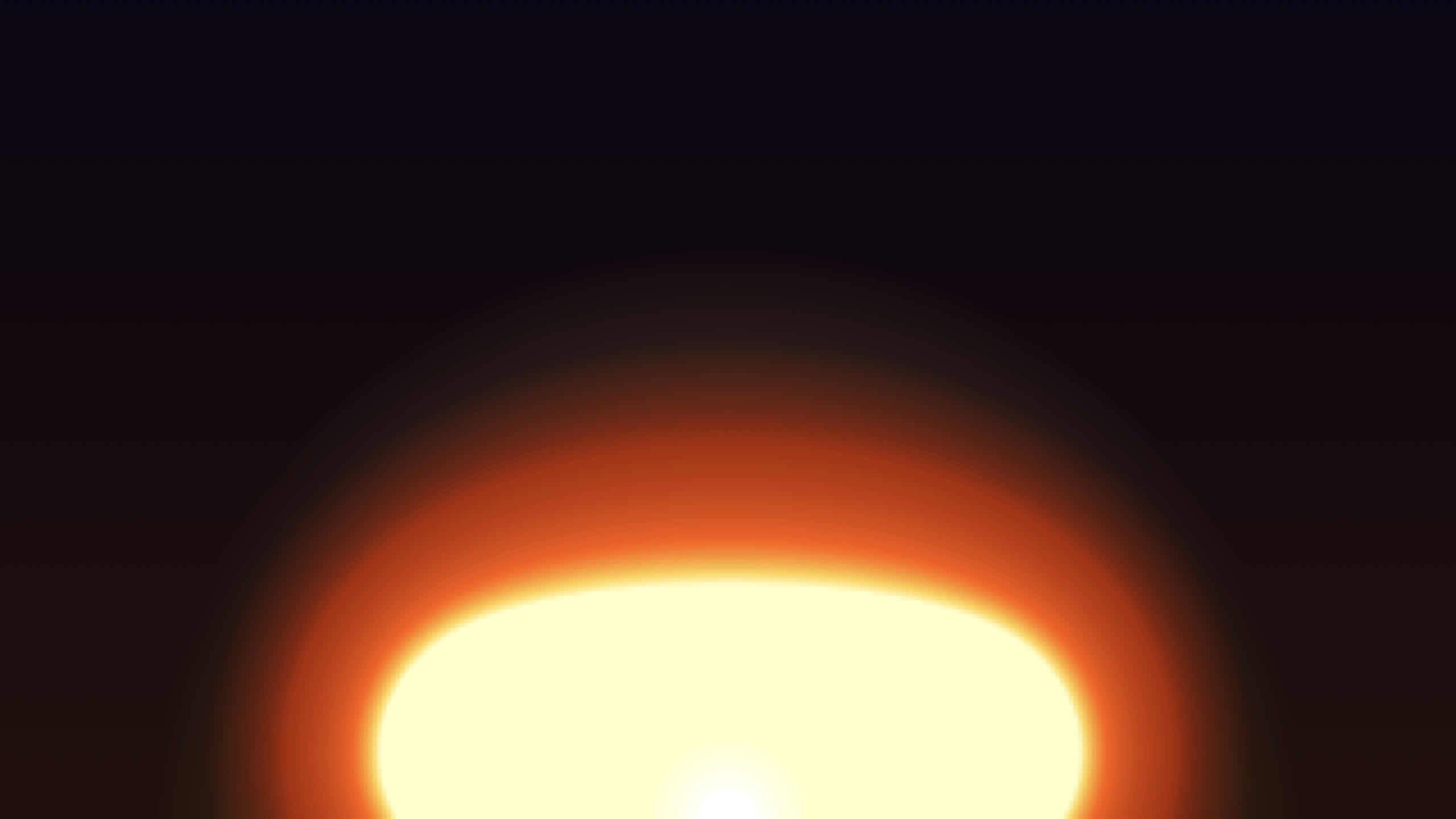 Lava Lamp
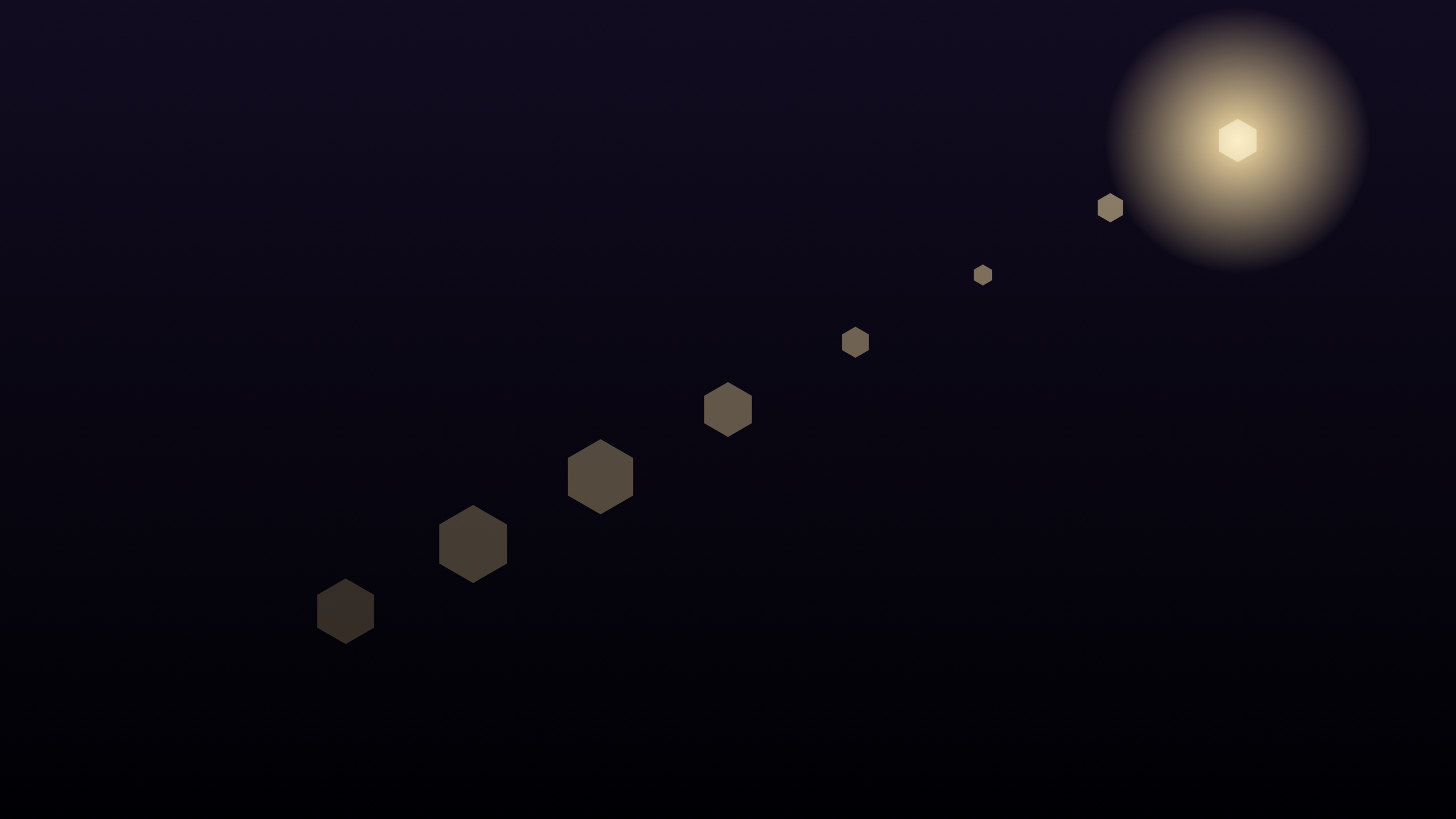 Lens Flare
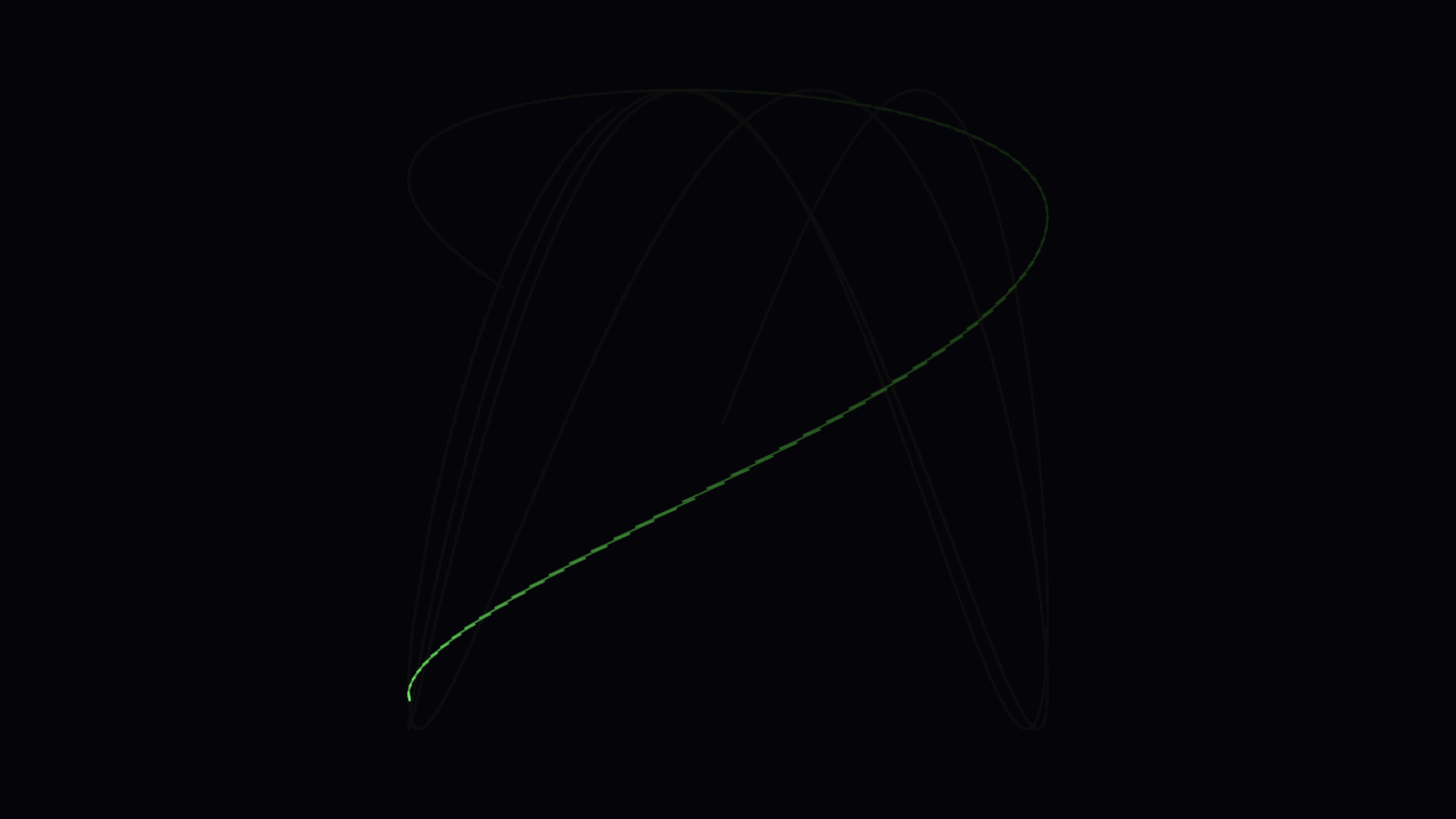 Lissajous
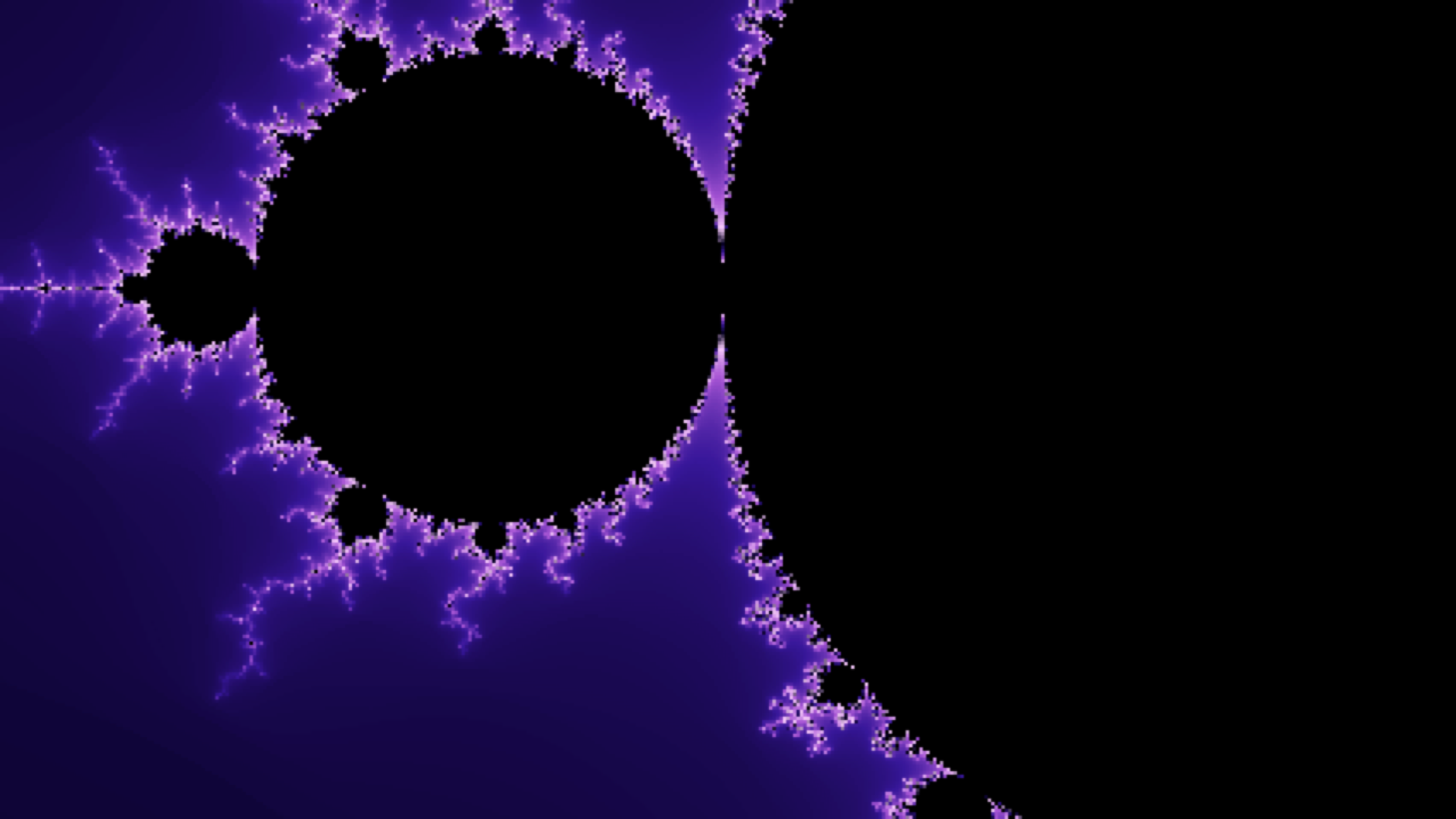 Mandelbrot
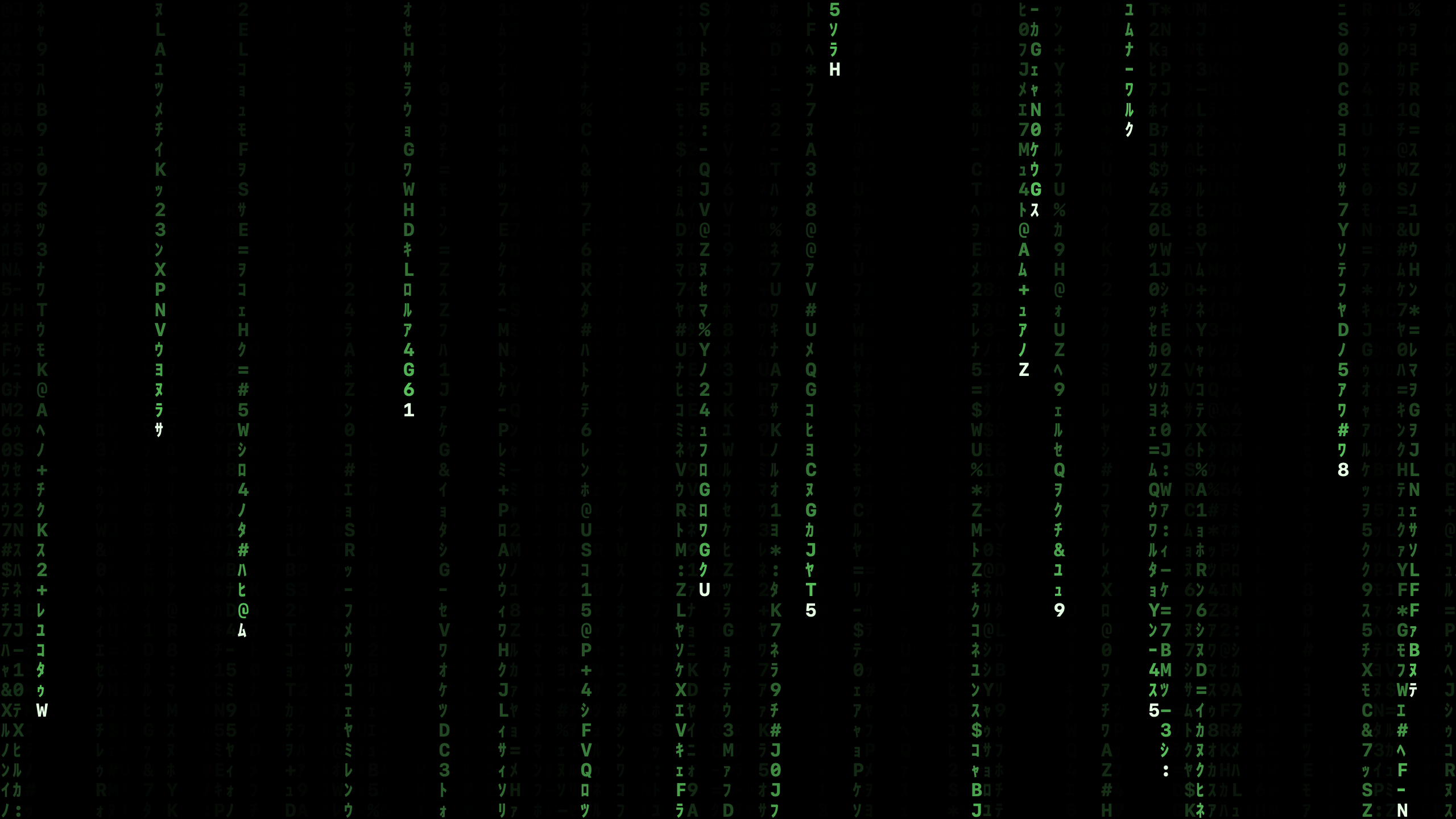 Matrix
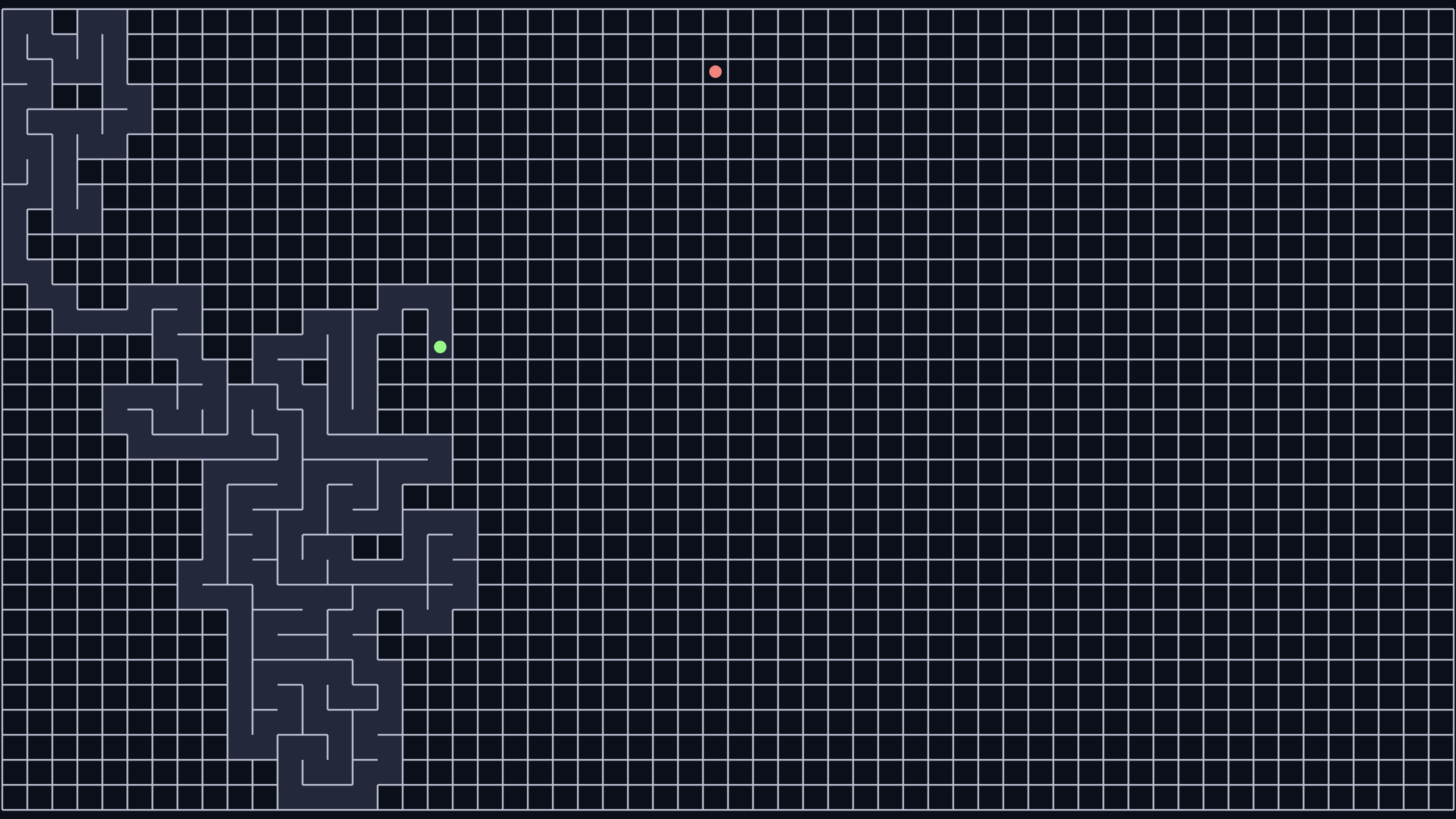 Maze
Maze
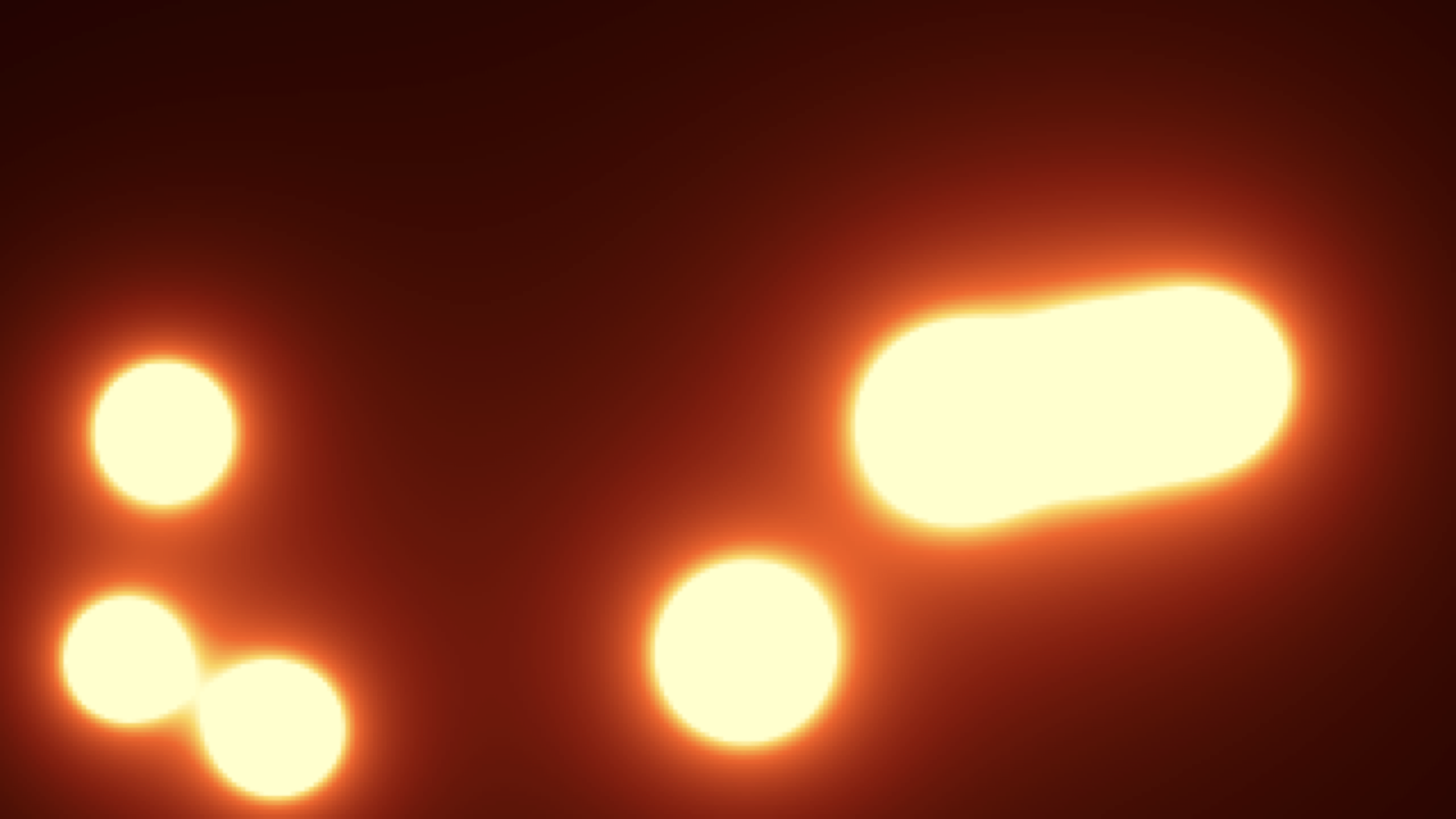 Metaballs
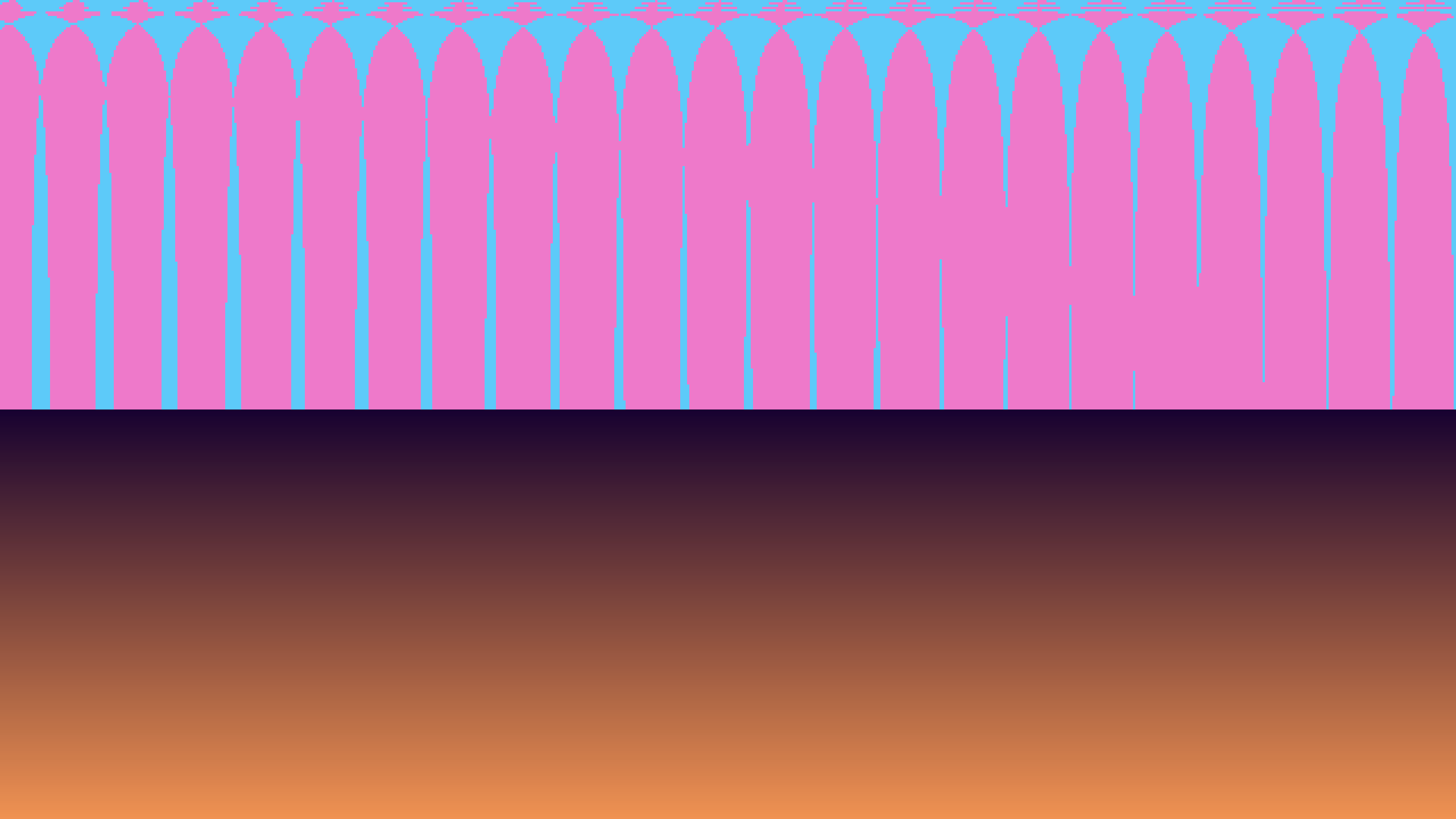 Mode7
Mode7
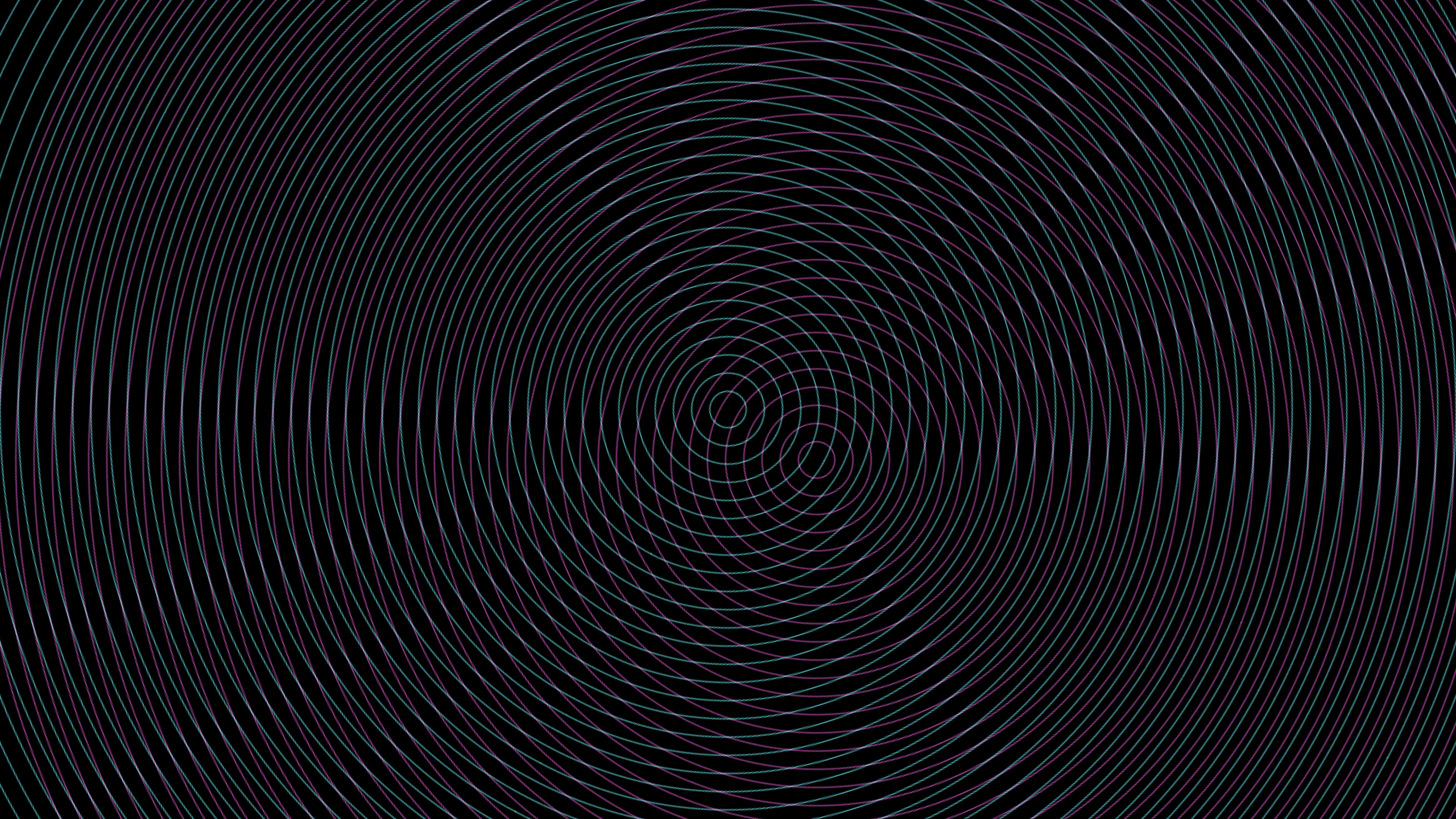 Moire
Moire
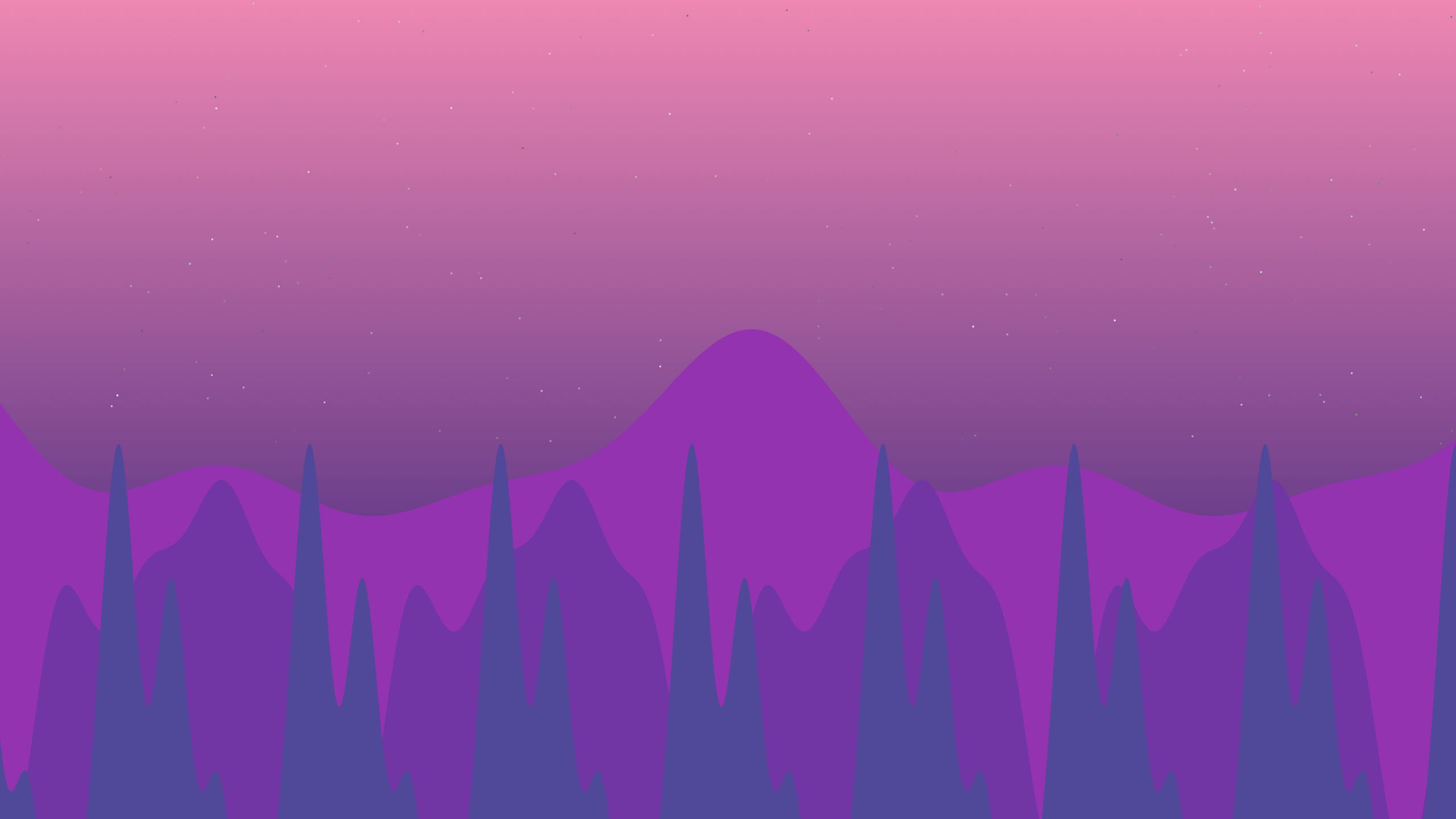 Parallax Scroller
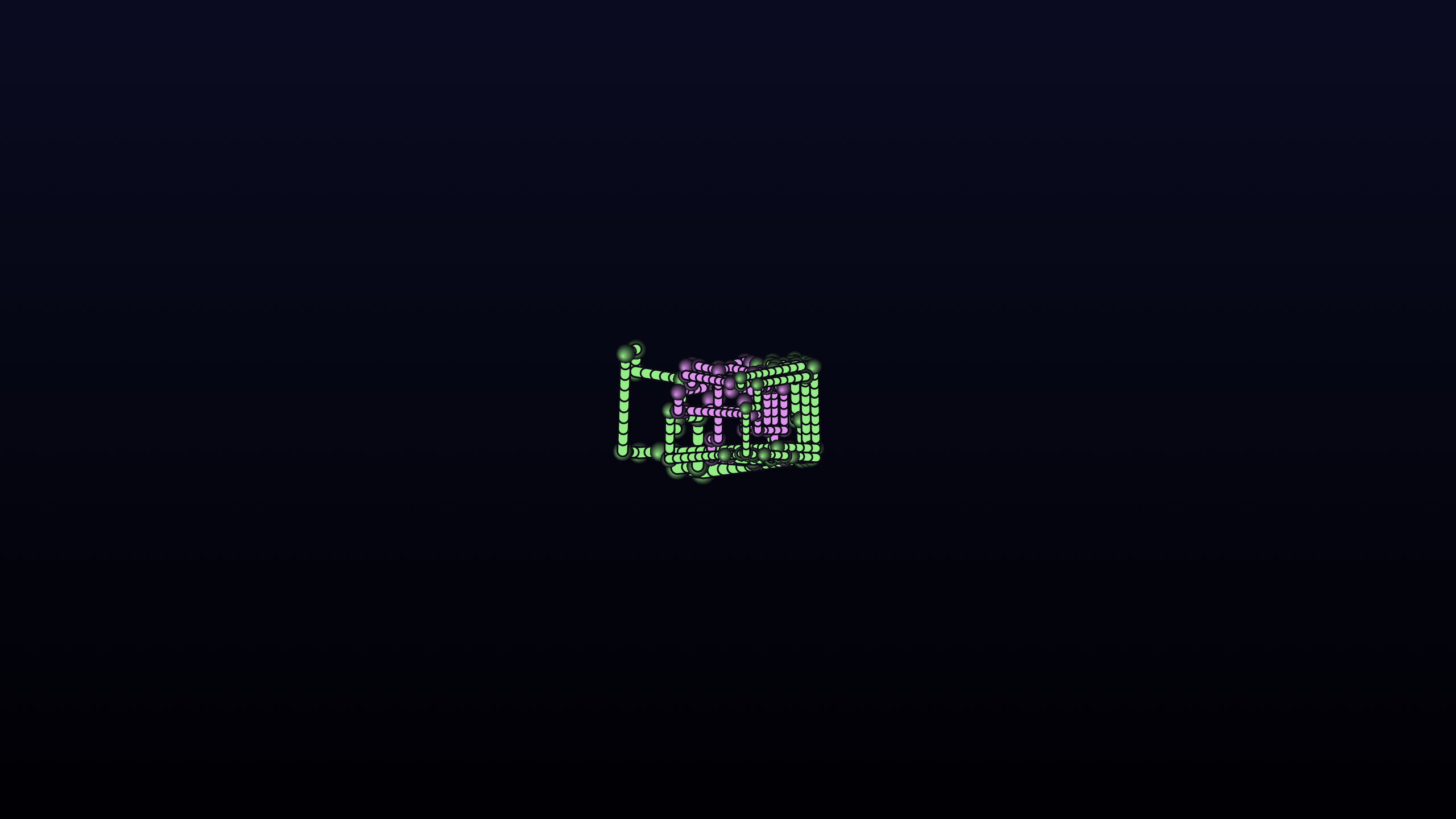 Pipes 3D
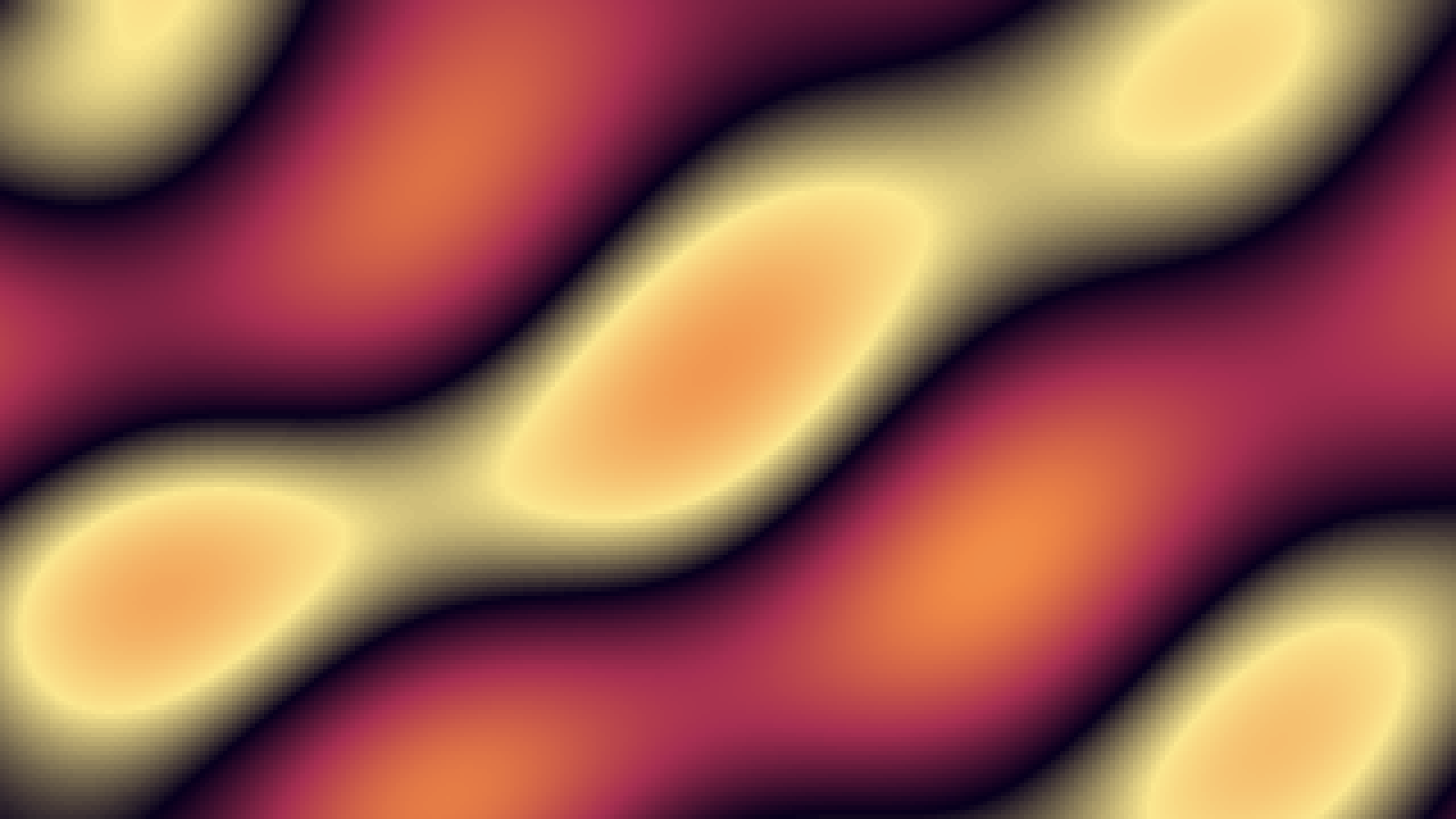 Plasma
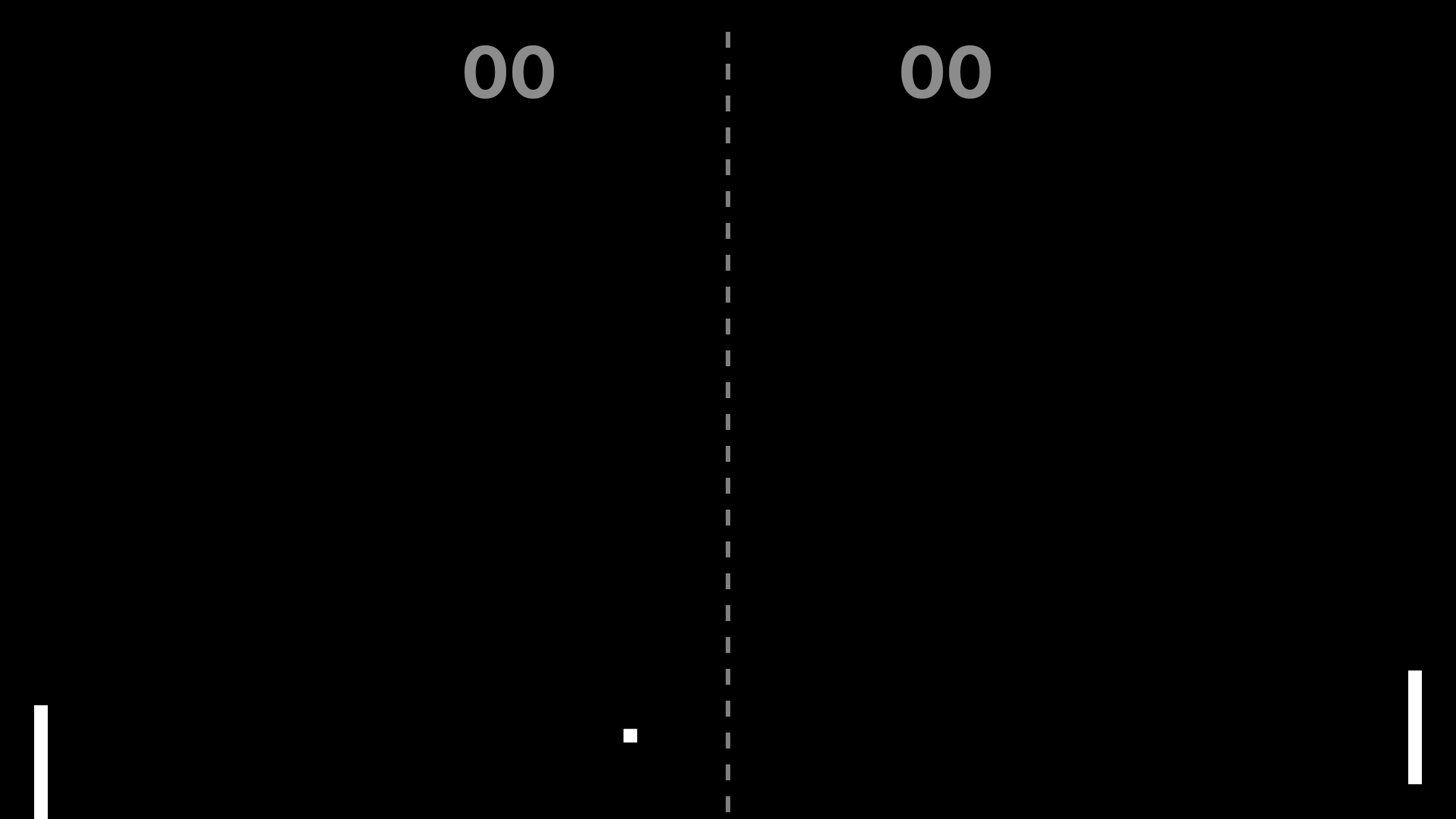 Pong Ai
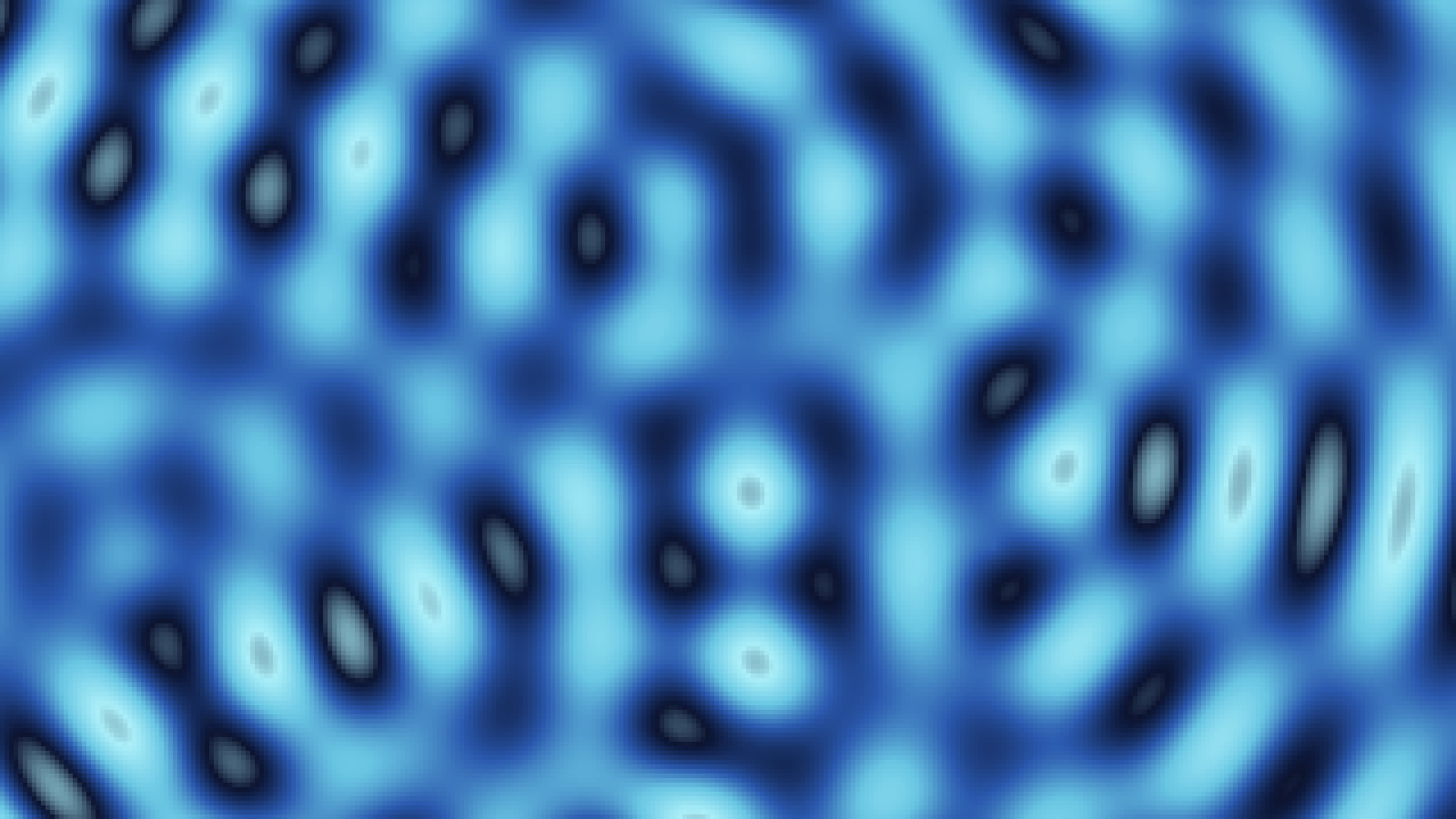 Ripple Plasma
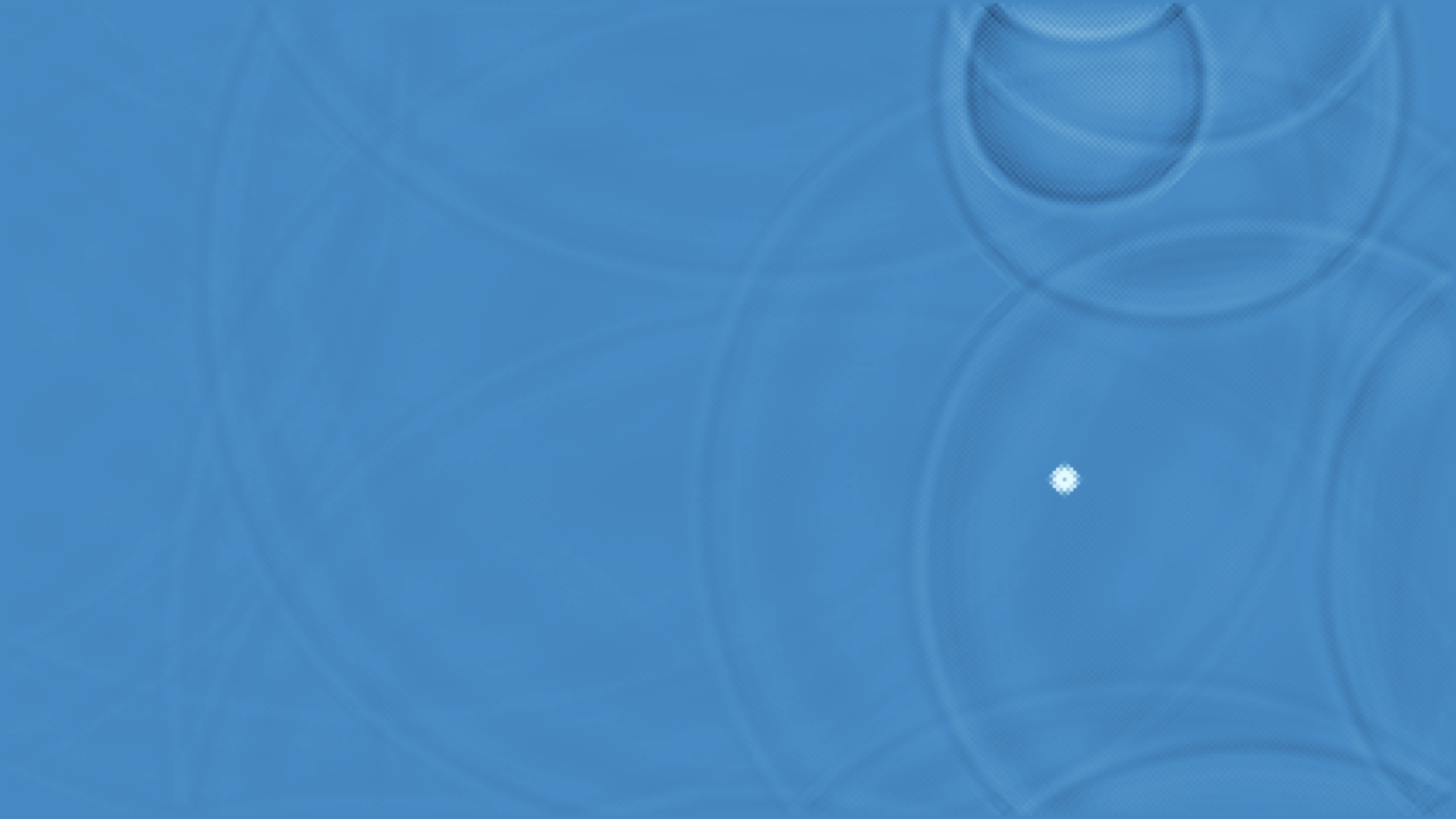 Ripple Tank
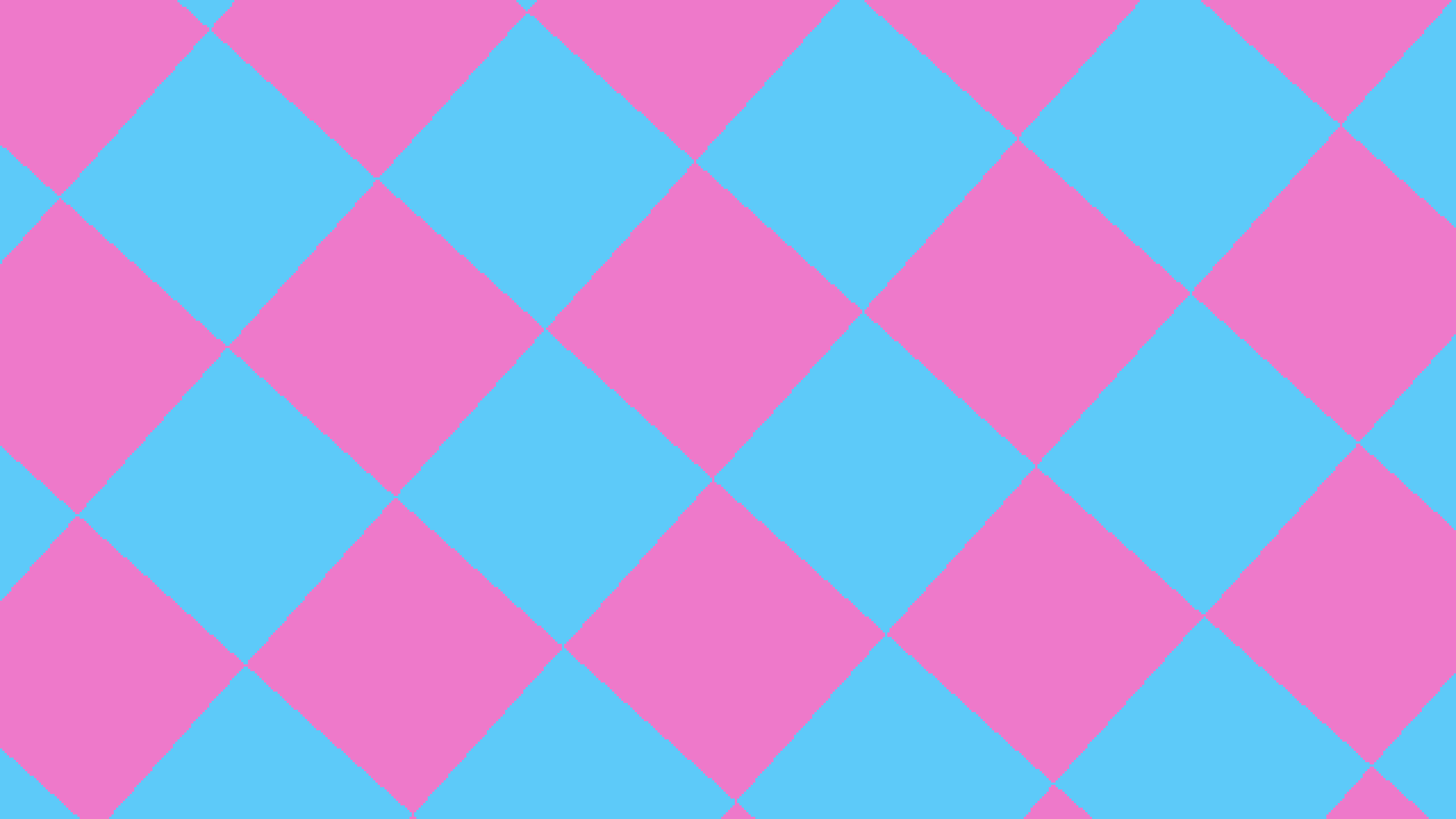 Rotozoomer
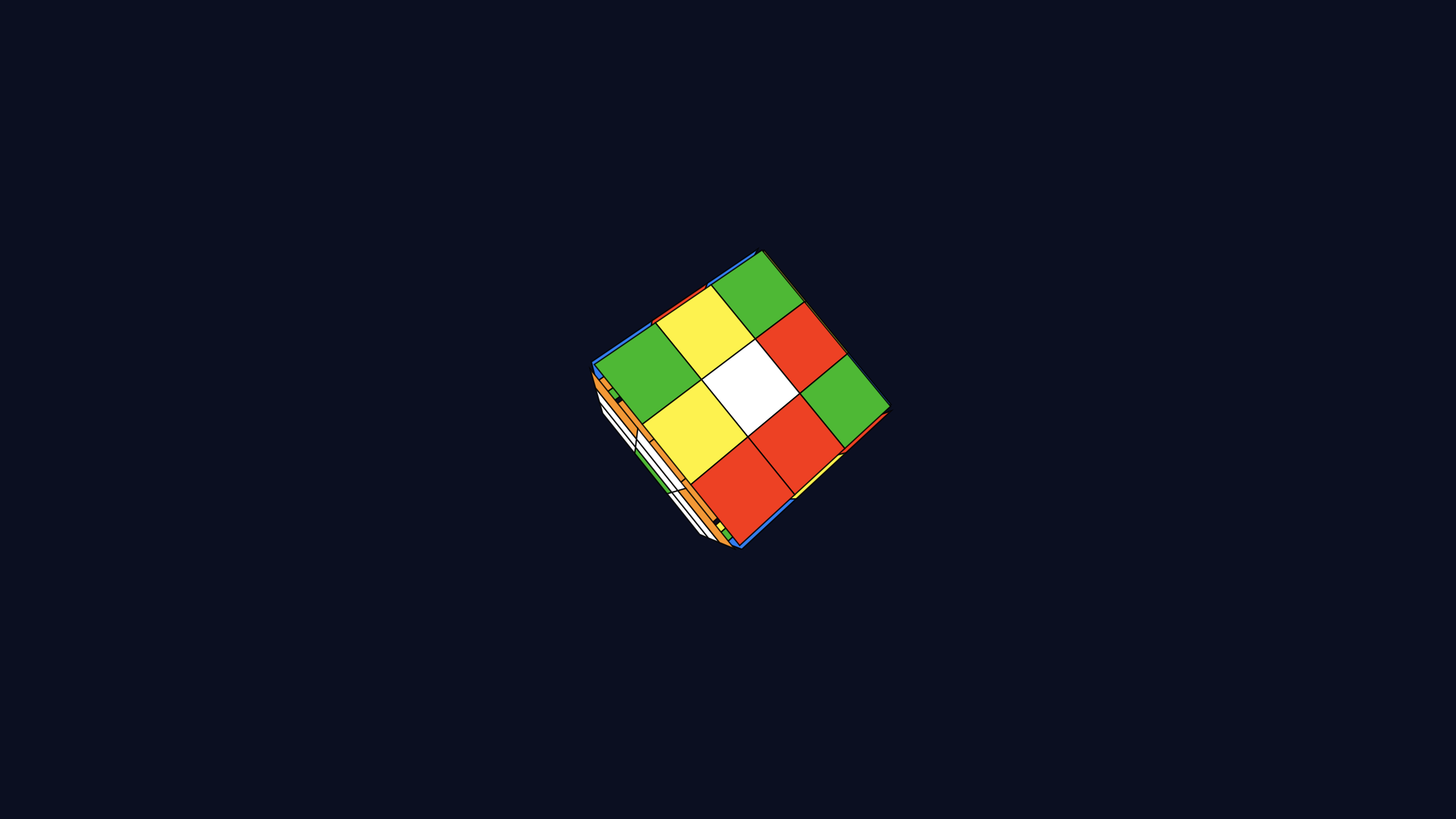 Rubiks Cube
 Search Light
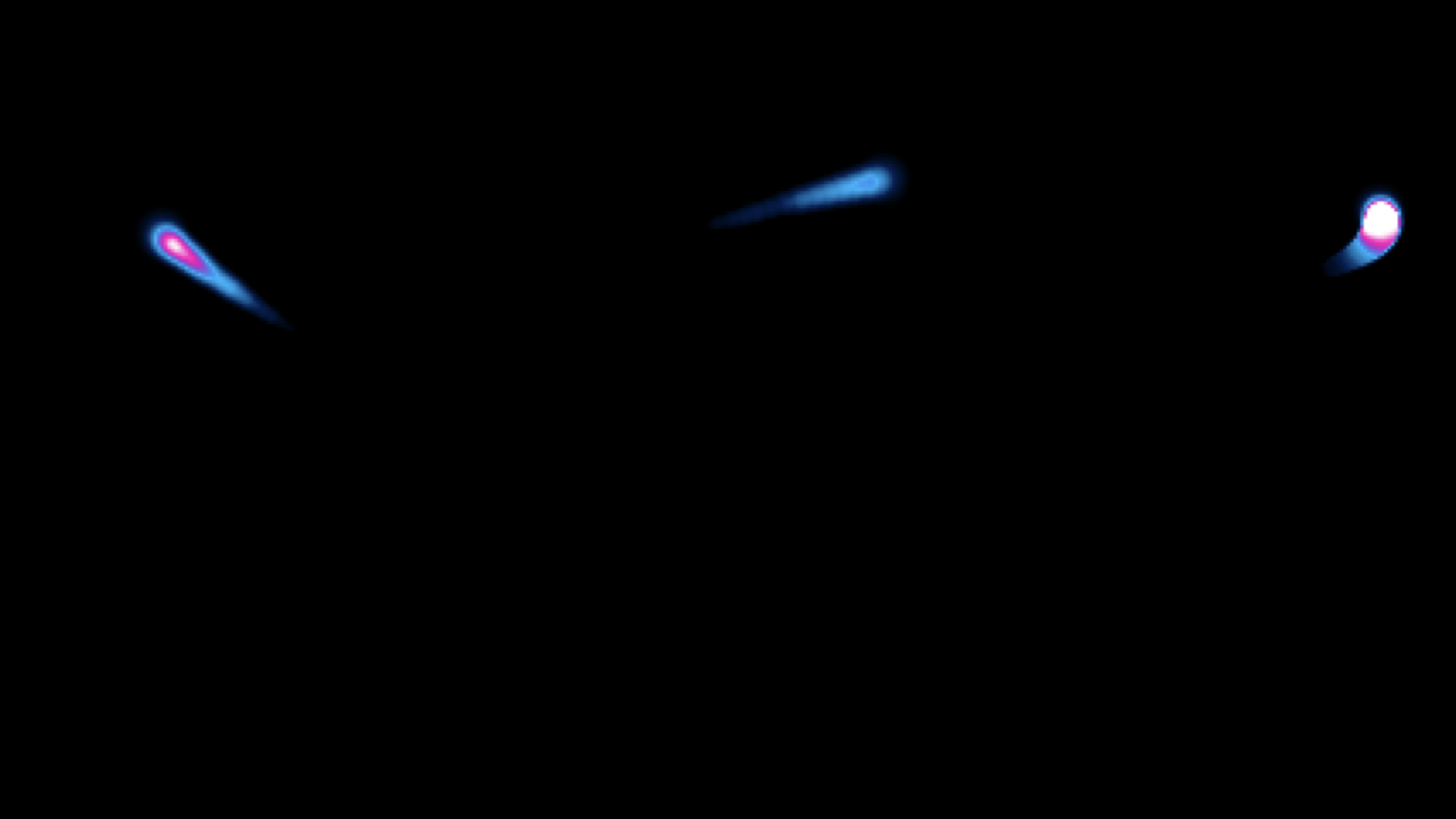 Shadebobs
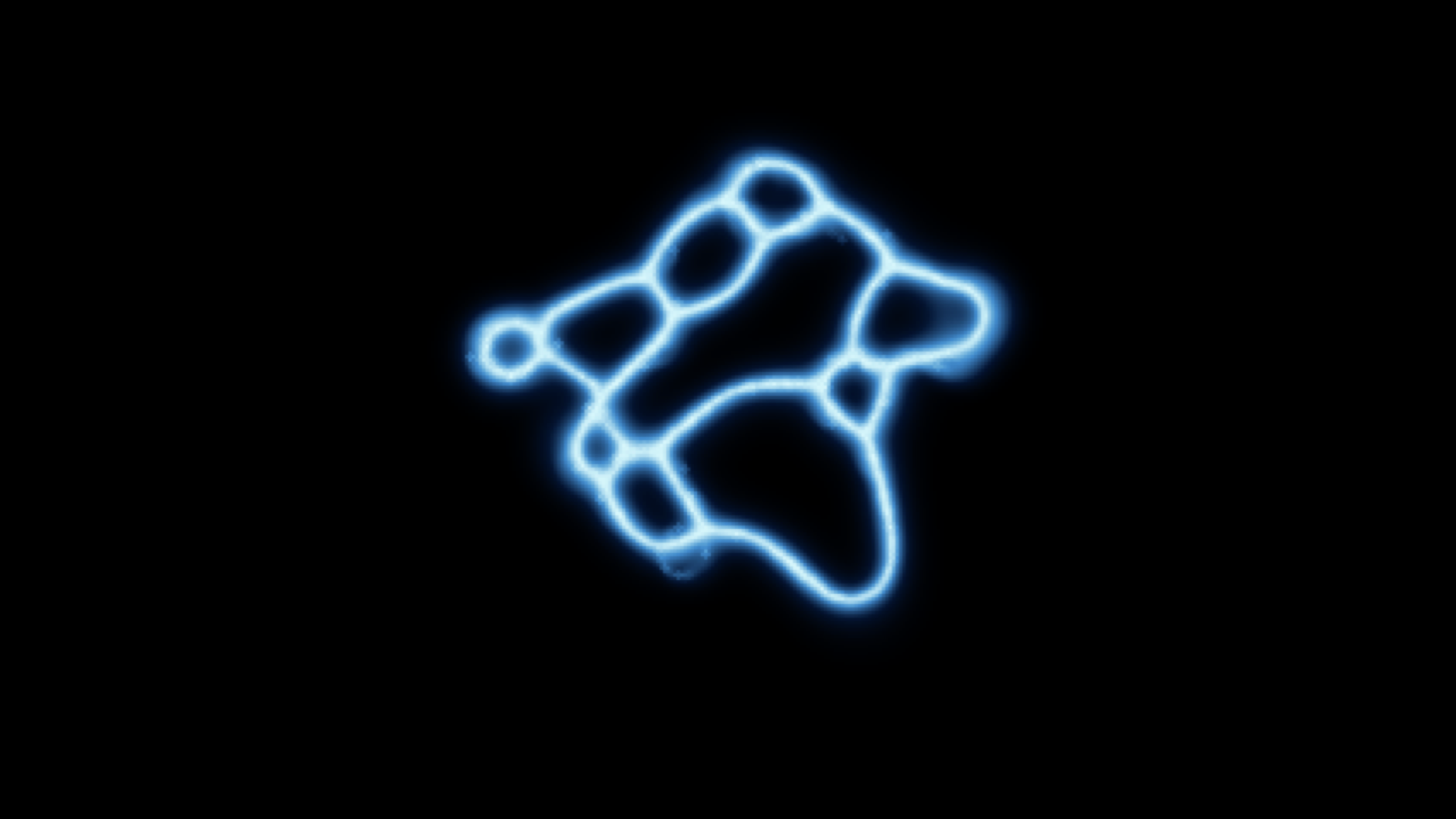 Slime Mold
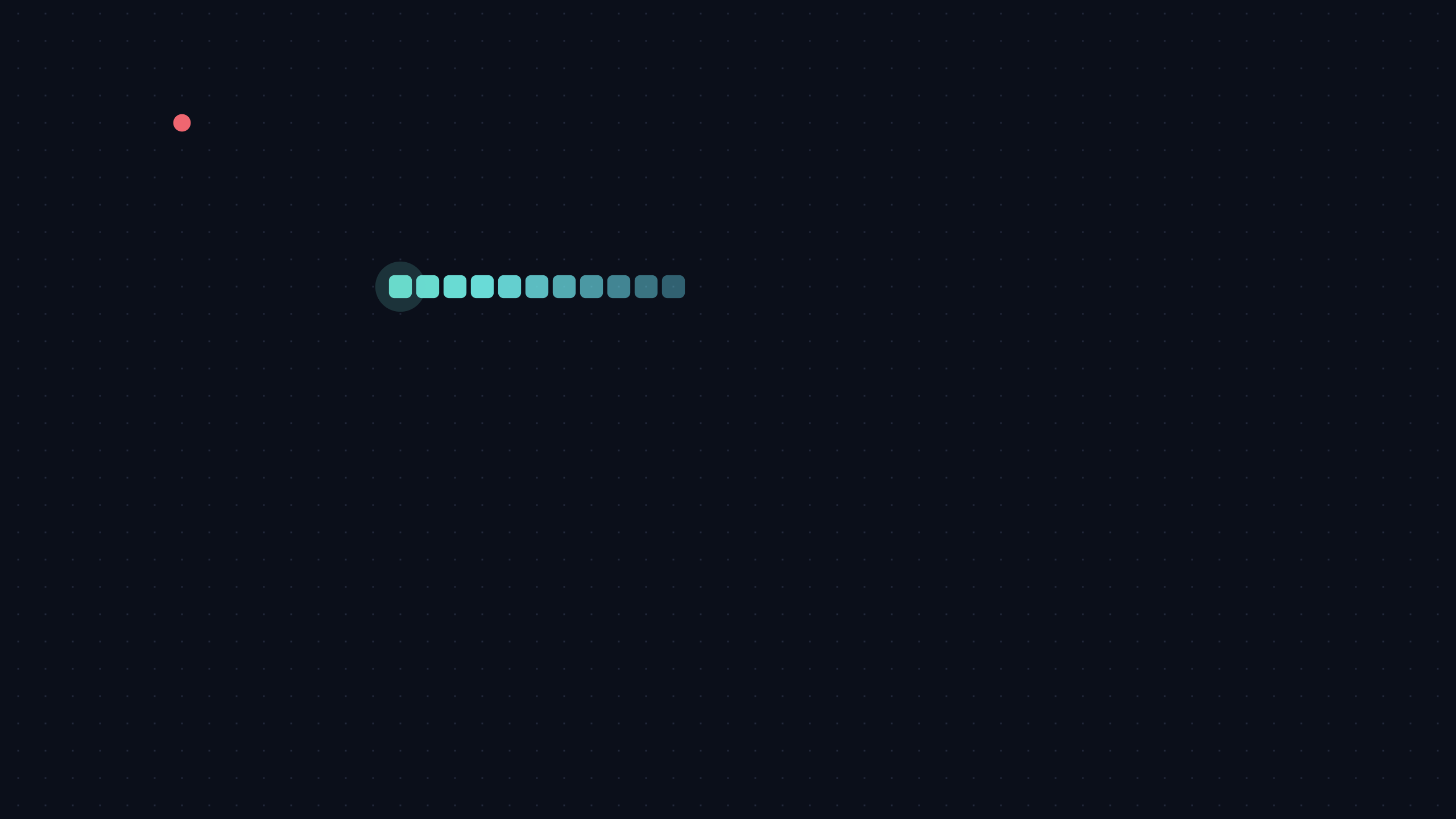 Snake
Snake
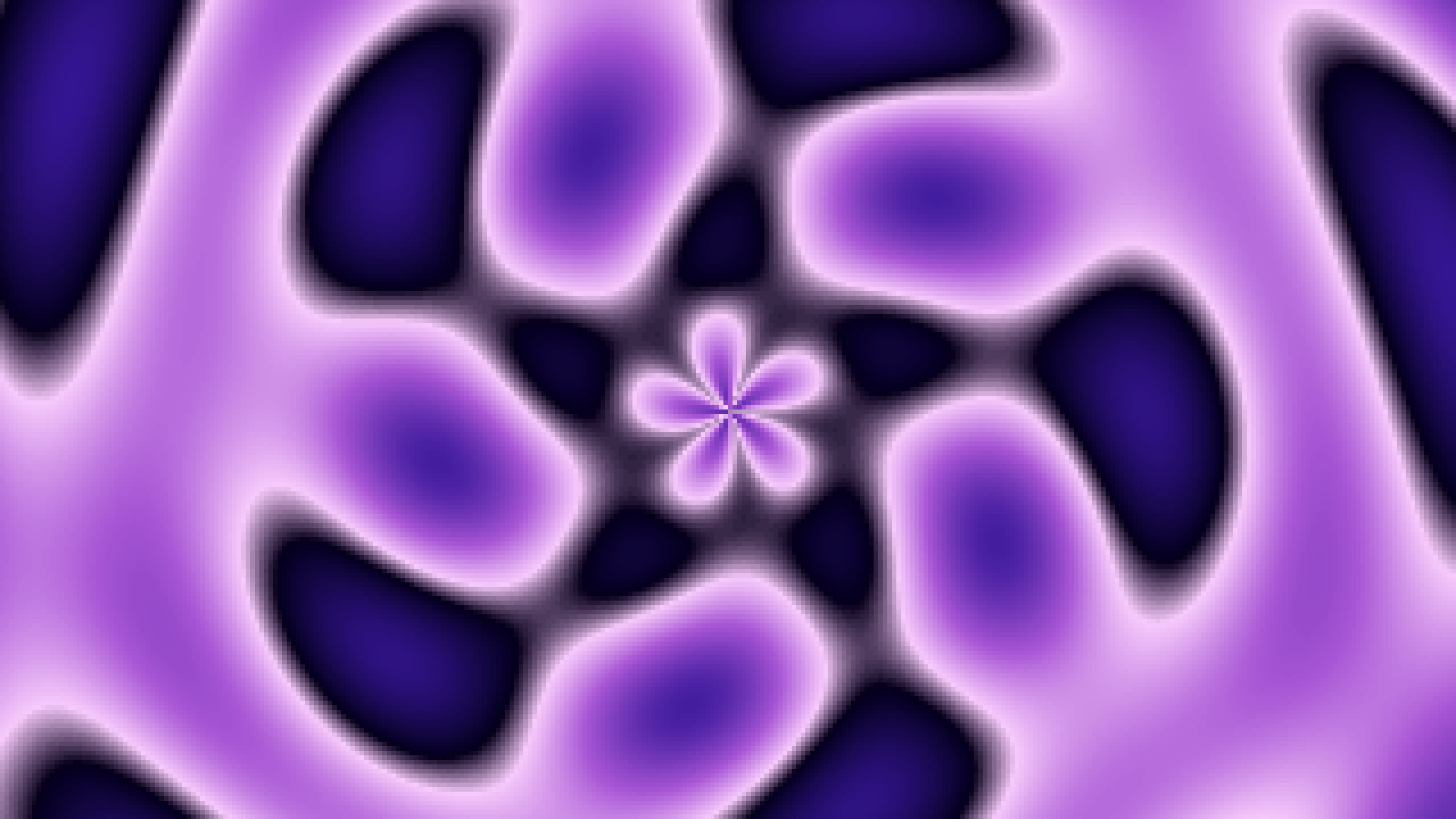 Spiral Plasma
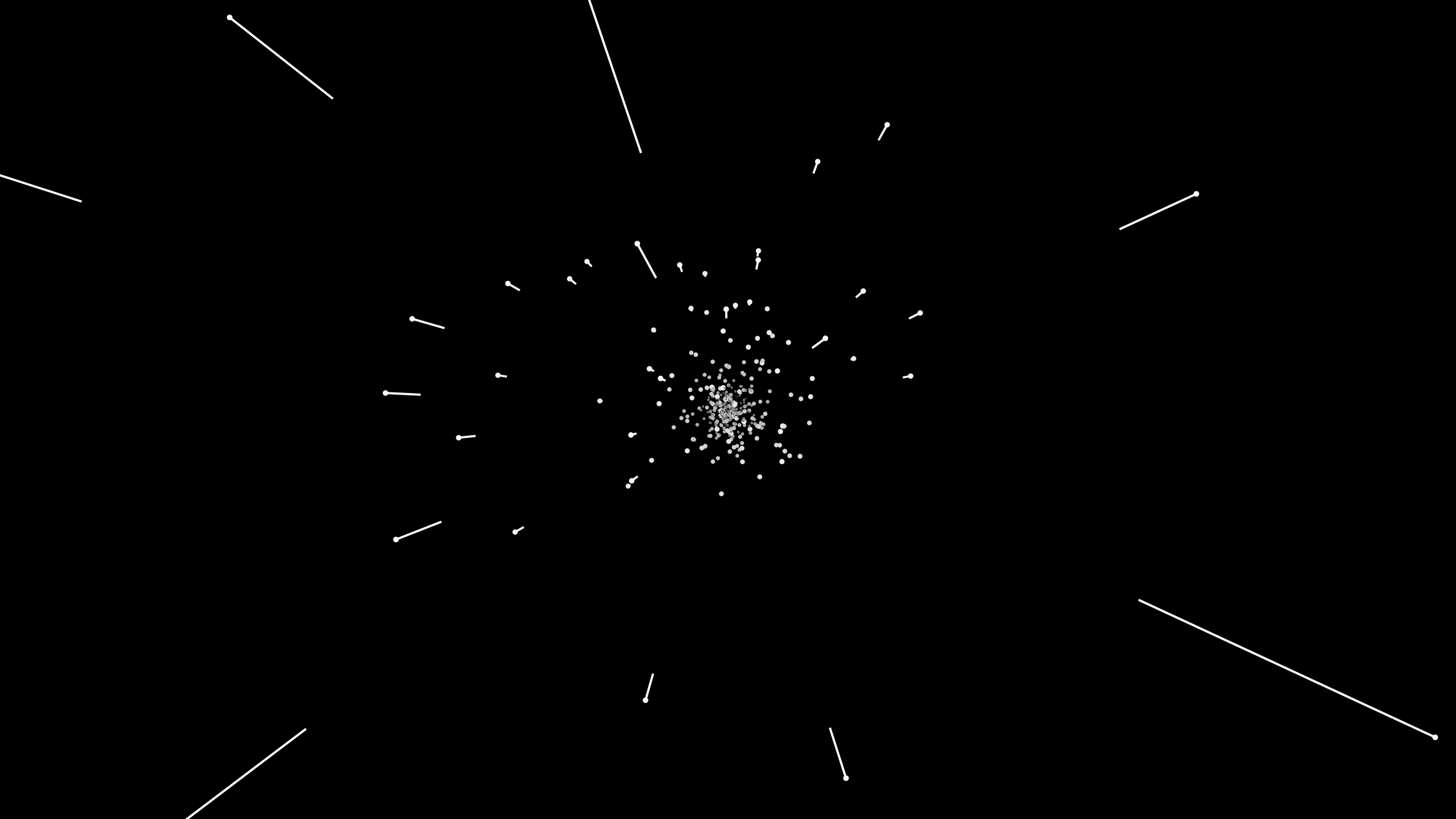 Starfield
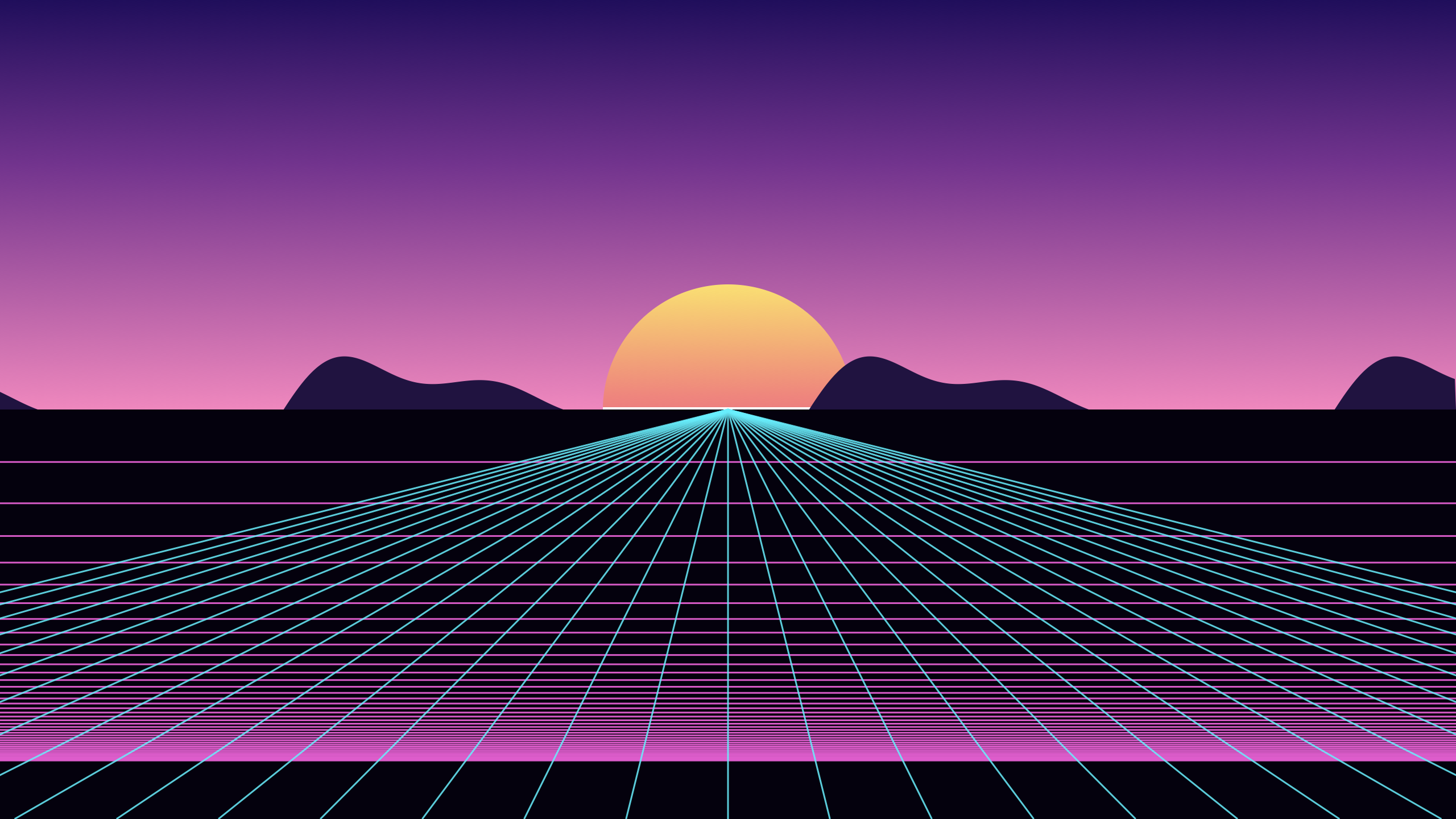 Synthwave Grid
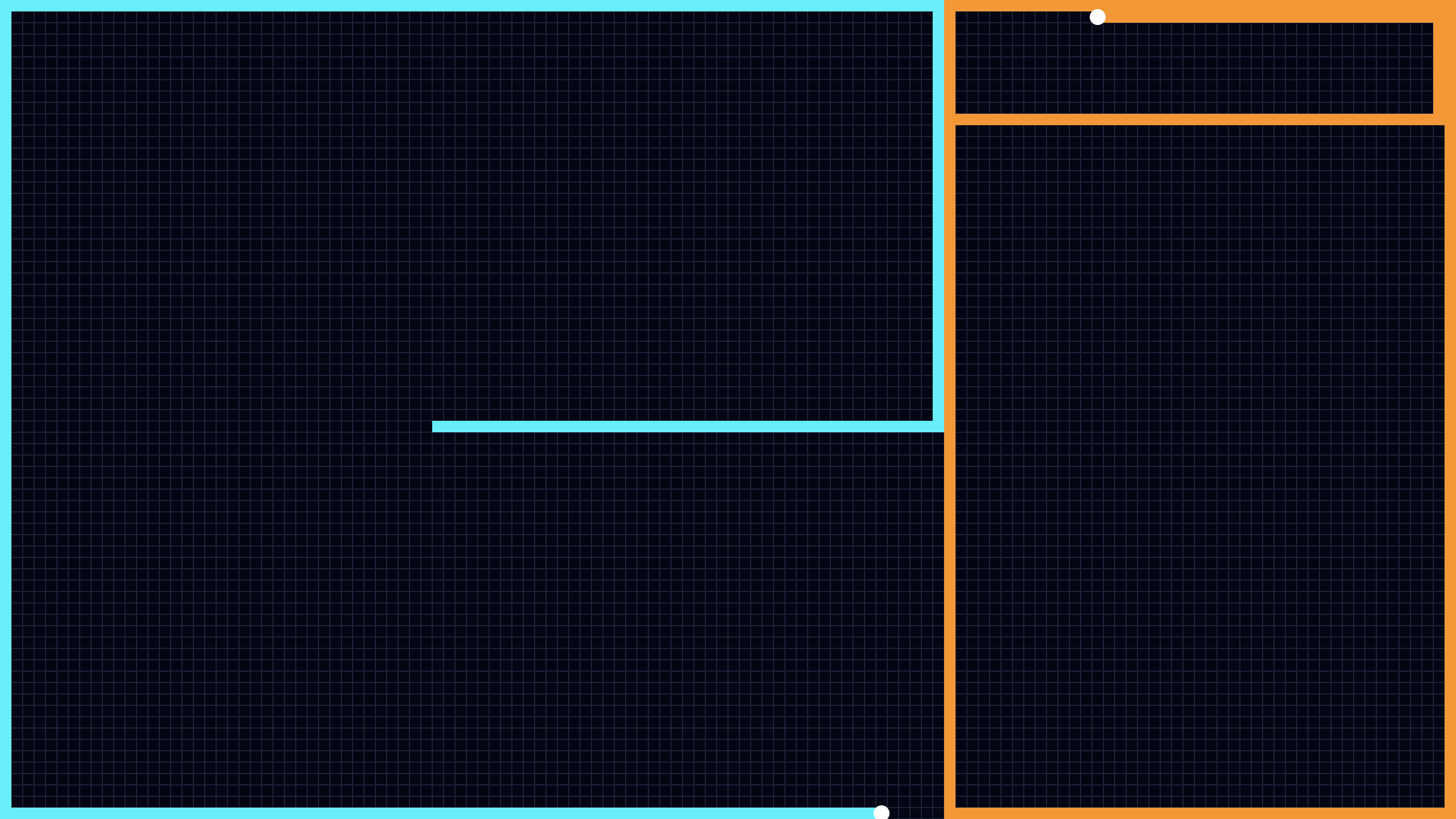 Tron Cycles
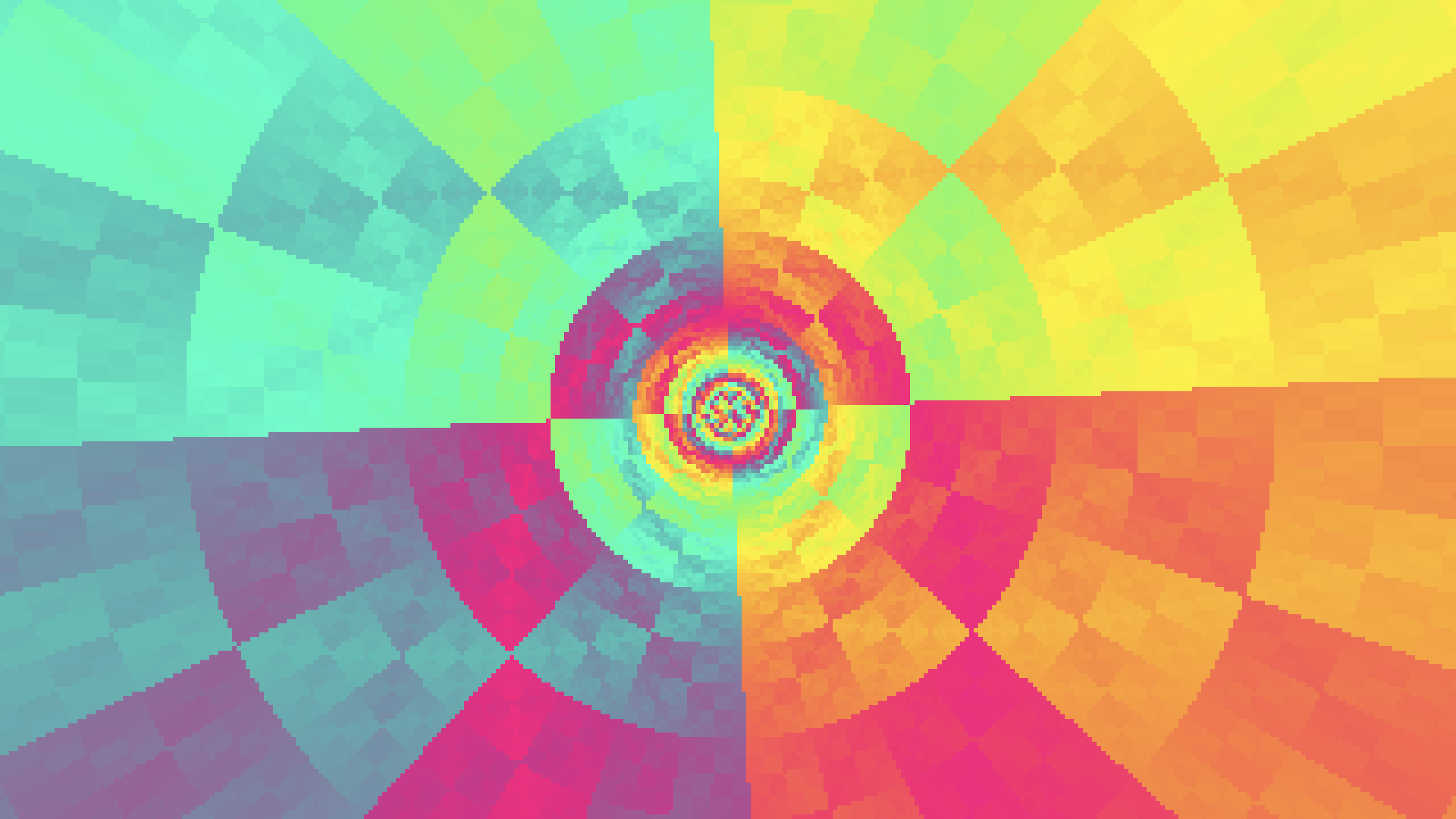 Tunnel
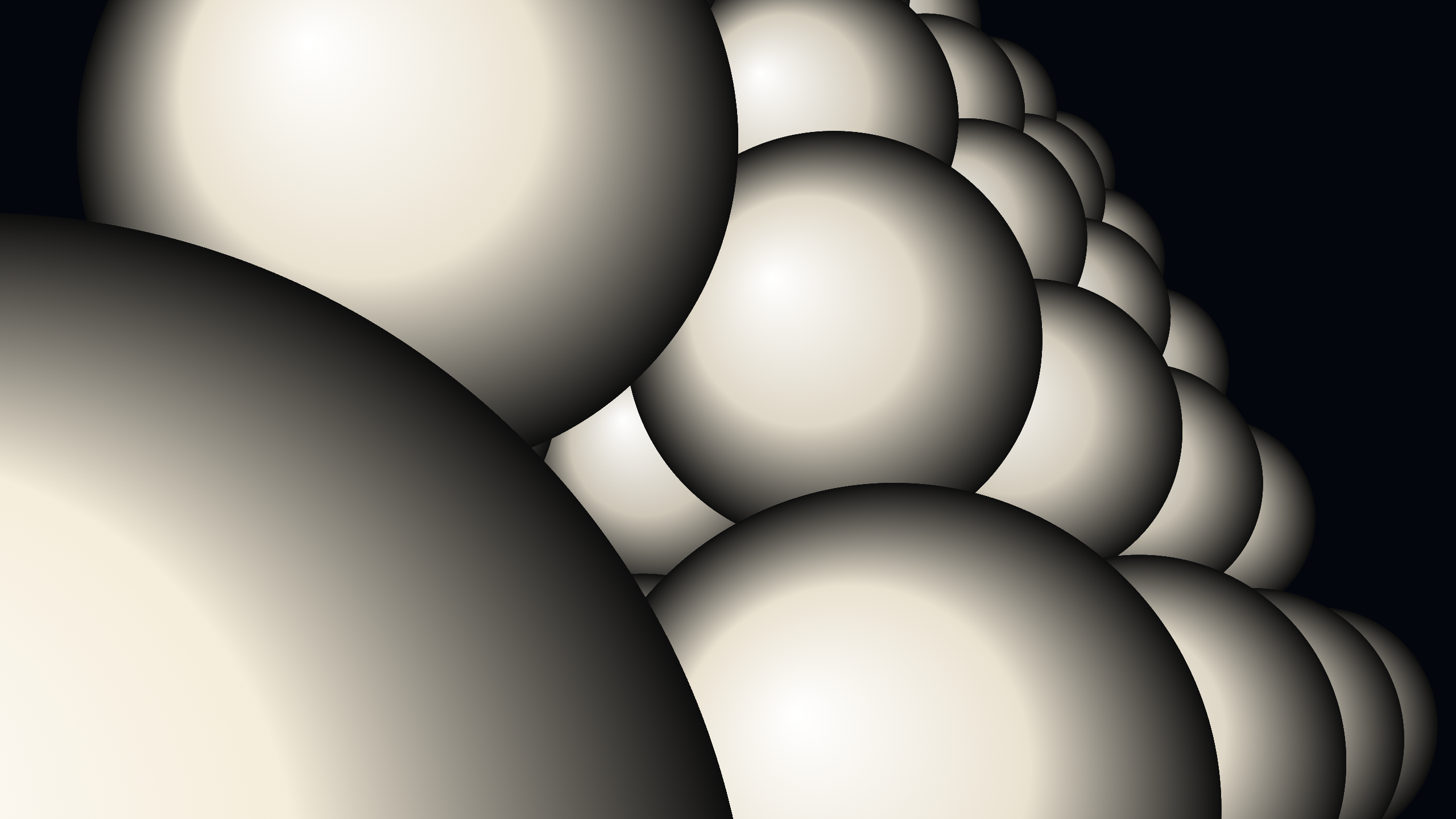 Vector Balls
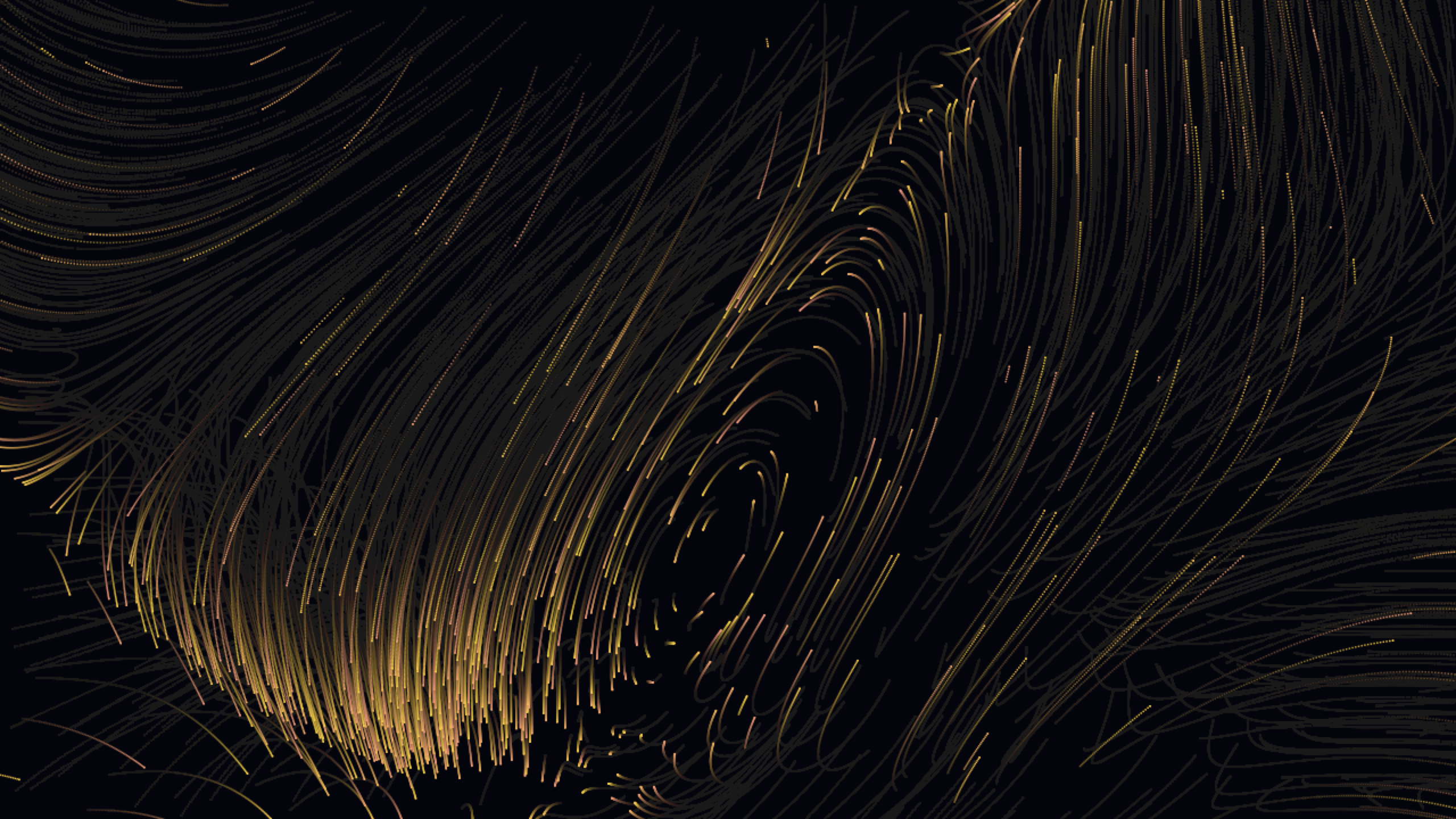 Vector Field
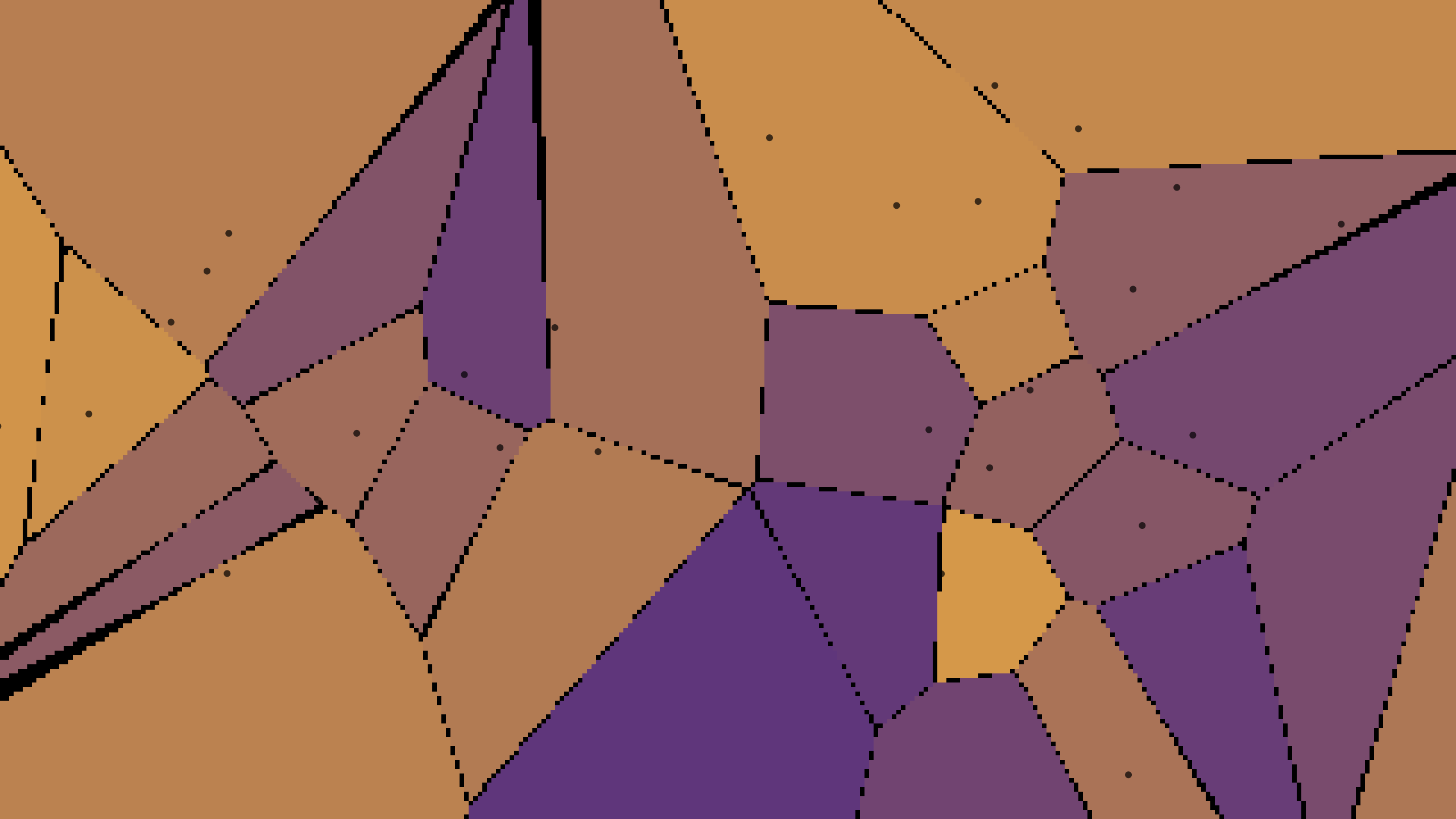 Voronoi
Performance
CPU-rendered through Core Graphics, no Metal required. Heavier scenes (Mandelbrot, Reaction-Diffusion, Slime Mold) render into low-resolution buffers and bilinear-upscale, keeping the macOS screensaver CPU watchdog happy. The Mandelbrot zoom computes on every core in the background with SIMD and throttles itself to a fraction of the CPU, so the zoom stays smooth without spinning the fan.
Source code
Open source on GitHub: nerdymark/NerdymarkScreensaver. Pure Swift, no third-party dependencies. The README has the full codesign + notarize pipeline if you want to build your own. Adding a new scene is one file plus one line in the registry.
Feedback
Bug reports, scene ideas, or "my fan spun up" reports: reach out or open an issue on the repo.